


If you already own a laser 40 watt co2 machine, you know the hardware is only half the story. The real jump in results comes from choosing the right laser cutting and engraving software. Good software can push cleaner cuts, sharper engraves, and faster workflow without changing the machine itself. This machine guide explains how the right software transforms a laser 40 watt co2 setup and why pairing it with reliable laser cutting and engraving software is the smartest upgrade you can make.

Monport 40W Pro Lightburn-Supported (12" X 8") CO2 Laser Engraver & Cutter with Air Assist - 40W Pro

Why Software Matters for a 40W CO2 Laser
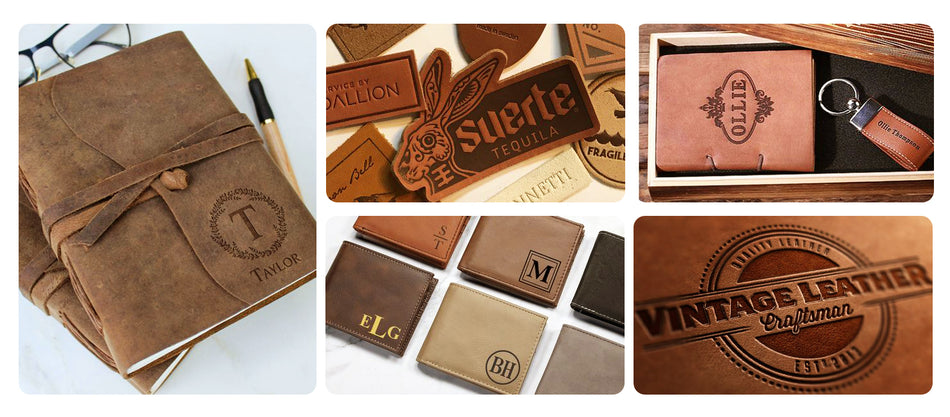
A laser 40 watt co2 system has enough power to cut wood, acrylic, leather, and engrave glass with detail. But without proper laser cutting and engraving software, that power is wasted. Software controls speed, passes, focus logic, and path optimization.
Better control means less burn marks, fewer failed jobs, and more repeatable output. With the right laser cutting and engraving software, even small shops can get professional consistency from a laser 40 watt co2 machine.
What the Best Laser Software Should Do
Clean Control Over Power and Speed
Good laser cutting and engraving software lets you fine-tune power by percentage and speed by material. This matters a lot on a laser 40 watt co2, where small adjustments change edge quality fast.
Layer and Path Optimization
High-quality laser cutting and engraving software organizes jobs by layers, so engraving runs before cutting. This avoids material shifting and improves accuracy on a laser 40 watt co2.
Easy File Handling
SVG, DXF, AI, and bitmap support is a must. Reliable laser cutting and engraving software saves prep time and keeps your laser 40 watt co2 running instead of waiting.
LightBurn: The Gold Standard for 40W CO2 Lasers

LightBurn is widely considered the best laser cutting and engraving software for desktop systems. It pairs perfectly with the Monport laser 40 watt co2 because of its clean interface and deep control. With LightBurn, users can dial in engraving depth, adjust multiple passes, and preview paths before firing the laser. For beginners and pros, this laser cutting and engraving software unlocks what a laser 40 watt co2 can really do.
Why Monport 40W Is Built for Software Performance

Precision That Software Can Actually Use
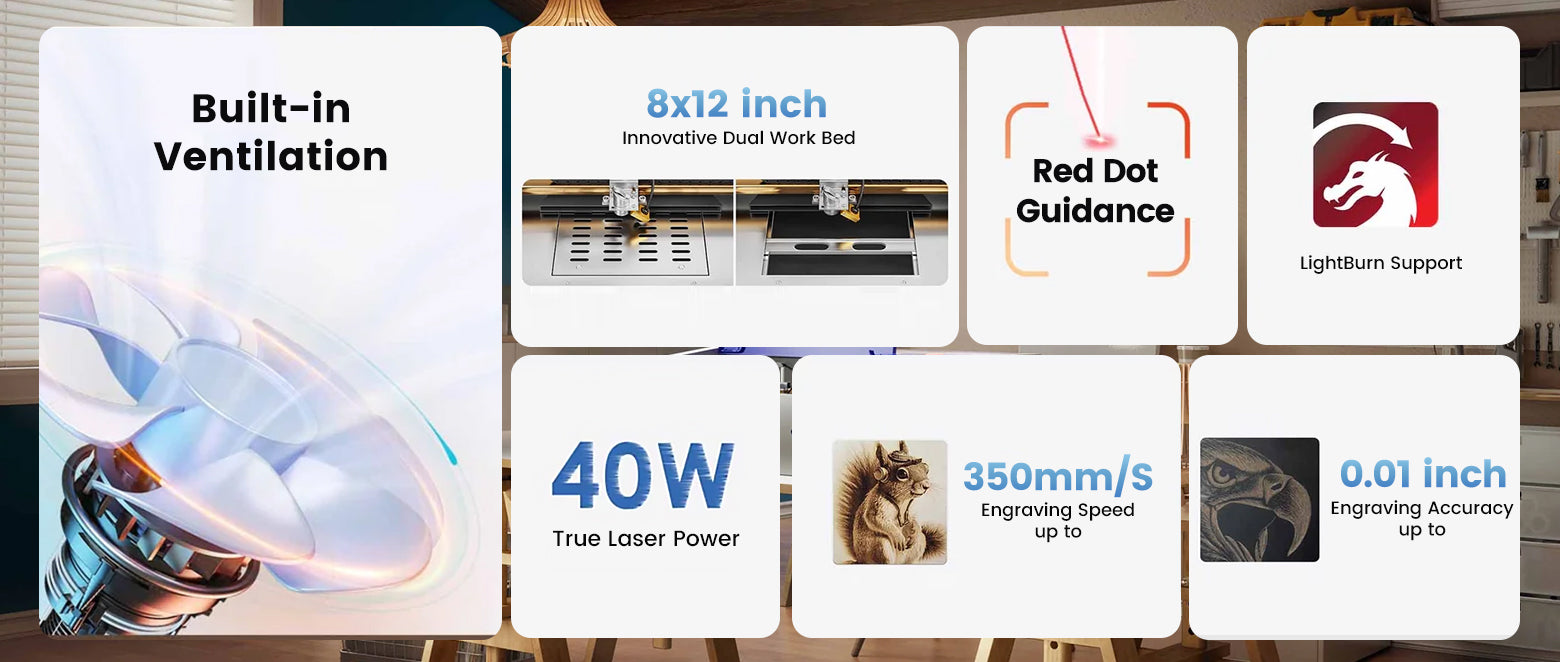
The Monport laser 40 watt co2 offers 0.01 inch motion accuracy and speeds up to 350mm/s. That precision only shines when paired with advanced laser cutting and engraving software that can send clean, accurate commands.
Built-In Air Assist Advantage
Air assist reduces burn marks and keeps cuts crisp. When controlled through laser cutting and engraving software, air assist timing improves results on wood and acrylic using a laser 40 watt co2.
LightBurn-Ready Control Board
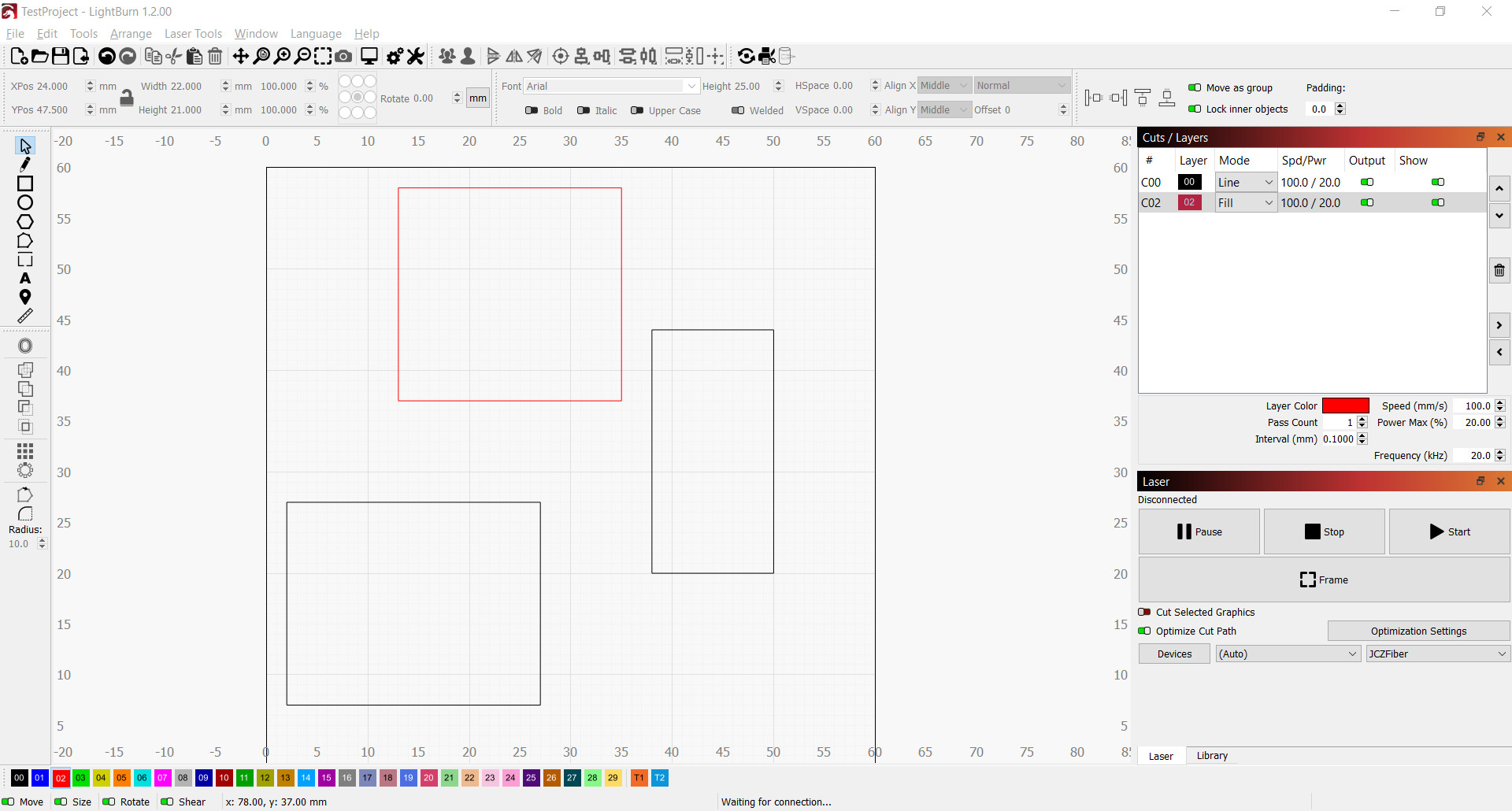
Monport upgraded the controller so the laser 40 watt co2 works smoothly with LightBurn. This means fewer crashes, smoother curves, and predictable output from your laser cutting and engraving software.
Key Takeaways
-
A laser 40 watt co2 reaches full potential only with proper laser cutting and engraving software
-
LightBurn gives unmatched control for engraving depth and cut paths
-
Monport hardware is designed to work cleanly with advanced software
-
Better software means faster jobs, less waste, and higher profit
Software Settings That Boost Cutting Power
Multi-Pass Strategy
Instead of one slow pass, good laser cutting and engraving software lets a laser 40 watt co2 run multiple fast passes. This improves edge quality and reduces charring.
Material Libraries
Saved presets inside laser cutting and engraving software help repeat jobs without guessing. This keeps your laser 40 watt co2 consistent day after day.
Red Dot Alignment Support
When software previews match the red dot path, alignment errors drop. This combo is especially strong on the Monport laser 40 watt co2.
Why Monport Stands Out in the 40W Class

Monport didn’t just build another laser 40 watt co2. They focused on system balance. Metal rails, upgraded mirrors, and strong ventilation all support smoother operation when driven by laser cutting and engraving software. The dual work bed adds flexibility, and the quiet ventilation keeps long jobs comfortable. All of this means the software can run longer, faster, and more stable on a laser 40 watt co2 platform built to last.
Upgrade Without Buying a New Machine
If you want stronger cuts and cleaner engraves, start with better laser cutting and engraving software. Pair it with the Monport laser 40 watt co2 and you get industrial-style results at a desktop scale. Use code BESTMP10 for 8% off and take your projects further today. Shop Now and turn your machine into a real production tool.
FAQs
What software works best with a 40W CO2 laser
LightBurn is the most trusted laser cutting and engraving software for a laser 40 watt co2 due to control and stability.
Can software really improve cutting depth
Yes, optimized passes in laser cutting and engraving software allow a laser 40 watt co2 to cut deeper with cleaner edges.
Is Monport beginner friendly
Very much. The Monport laser 40 watt co2 is easy to learn, especially with LightBurn presets.
Do I need special software for engraving photos
Advanced laser cutting and engraving software handles image dithering better, which improves photo engraves on a laser 40 watt co2.
Will better software reduce material waste
Yes, accurate previews and settings in laser cutting and engraving software lower failed jobs on a laser 40 watt co2.
Conclusion
The smartest way to transform a laser 40 watt co2 is not more power, but better laser cutting and engraving software. With the right software, every cut is cleaner, every engrave sharper, and every job faster. Combine proven software with Monport’s reliable design and you get results that feel like a full machine upgrade, without buying one.





