


If you are wondering, can you engrave stainless steel, the answer is yes—but a saleable result takes more than placing metal under a beam. A MOPA laser gives a small business the control needed for crisp logos, deep marks, dark text, and, on suitable stainless steel, color-marking experiments that can set premium products apart.
For personalized drinkware, pet tags, jewelry, business cards, tools, and branded metal goods, stainless steel is durable and familiar to customers. The key is building a repeatable workflow: choose consistent blanks, test parameters, record results, and inspect every first piece before production.

Can You Engrave Stainless Steel? Yes—But Define the Finish First
Stainless steel can be laser marked, etched, engraved, or color marked. These terms are often used interchangeably, but they describe different outcomes—and each one affects your product pricing, production time, and customer expectations.
Surface marking, engraving, and color marking are not the same
| Desired result | What the customer sees | Small-business use case | Production note |
| Surface mark | High-contrast text or logo with little material removal | Serial numbers, logos, QR codes | Fast and practical for repeat orders |
| Deep engraving | Noticeable recessed texture | Premium tags, tools, jewelry, plaques | Requires more passes and testing |
| Color marking | Color created through controlled surface change | Stainless steel cards, decorative tags, special-edition products | Results vary by alloy, finish, and settings |
So, can you engrave stainless steel with dependable results? Absolutely. However, “stainless steel” is not one perfectly uniform material. Alloy, surface finish, coating, thickness, and even the supplier’s production batch can change the outcome. A parameter set that produces a rich blue on one blank may produce a muted gray on another.
That is why a test-first workflow is more valuable than copying settings from a screenshot online.
Why a MOPA Laser Is Useful for Stainless Steel Work
A standard fiber system is excellent for permanent metal marks, but a MOPA laser adds adjustable pulse-width control. That extra control matters when your shop wants to fine-tune heat input rather than simply make a dark mark.
For stainless steel projects, a MOPA laser can help you explore:
- Fine text and detailed logos
- Deeper engraved designs
- Controlled dark markings
- Color-marking tests on suitable stainless steel
- More consistent results when you document material-specific settings
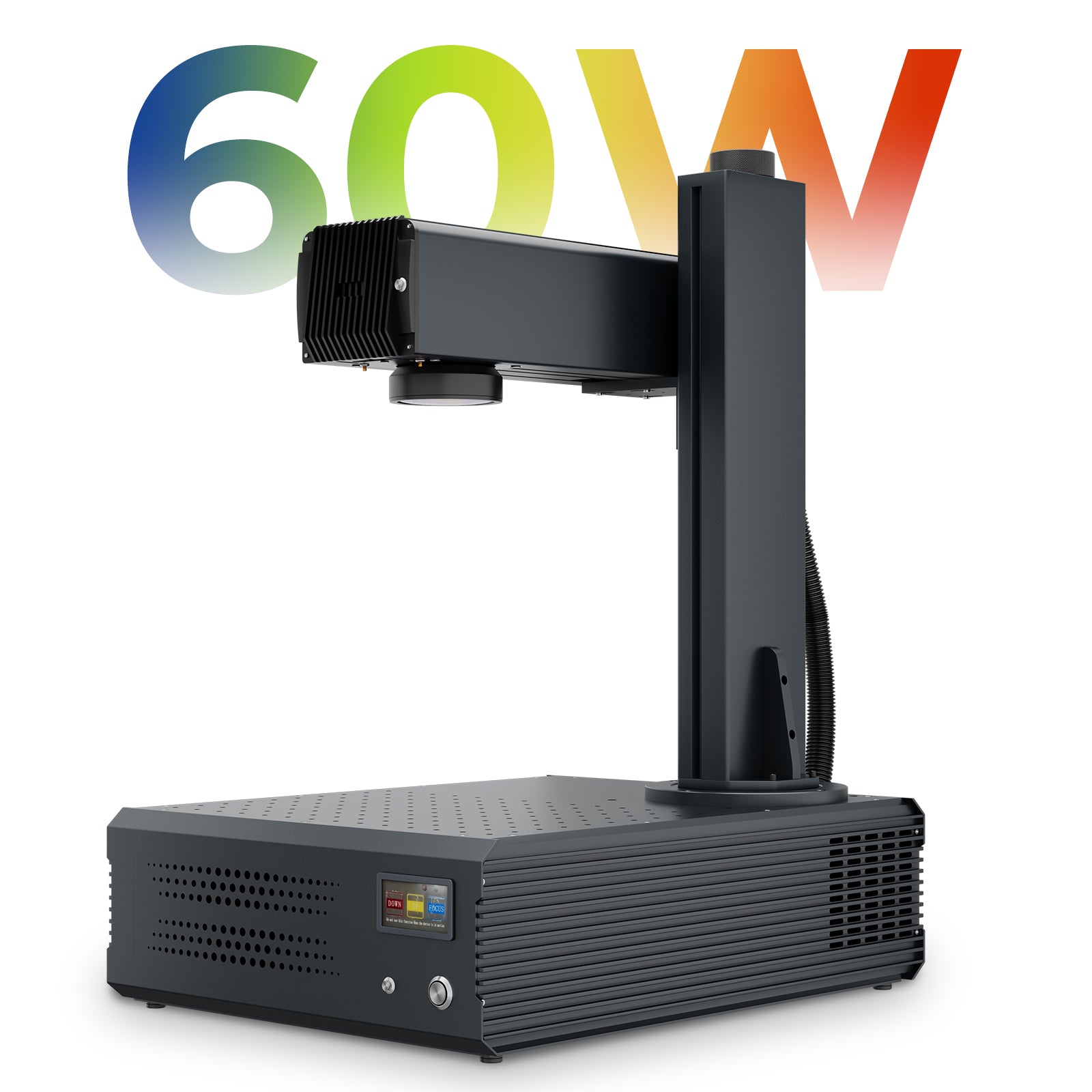
Monport’s GA Series MOPA Fiber Laser collection is designed for metal marking, color marking, deep engraving, and detailed work. For a compact small-business setup, the Monport GA 60W MOPA Fiber Laser Integrated Engraver & Color Marking Machine with AutoFocus combines a 60W MOPA source, one-click autofocus, up to 10,000 mm/s marking speed, and a 90° rotating laser head.
Do not promise a color before testing it
A MOPA laser can create color effects on stainless steel, but color is not a fixed preset. The final shade depends on the metal’s surface condition and the combined effect of power, speed, frequency, pulse width, hatch spacing, and focus.
For client work, sell the result only after you have approved a physical sample. This protects your margins and prevents the most expensive type of mistake: remaking a batch that looked different from the proof.
A Test-First MOPA Laser Workflow for Small Businesses
1. Start with clean, consistent blanks
Use uncoated stainless steel blanks from the same supplier whenever possible. Remove oil, fingerprints, and packaging residue with an appropriate lint-free cleaning process, then allow the surface to dry completely before laser processing.
Avoid comparing results from brushed, mirror-polished, powder-coated, and unknown-alloy blanks as if they were identical. They are not.

2. Build a parameter matrix with your MOPA Laser
Rather than running one test at a time, create a small grid that changes only one or two variables per square. Record:
- Material type and finish
- Power percentage
- Marking speed
- Frequency
- Pulse width
- Hatch spacing
- Number of passes
- Lens and focus condition
This process turns experimentation into a reusable production library. Monport’s 60W MOPA parameter guide is a helpful internal resource for understanding how pulse width, frequency, and other settings affect results.

3. Focus, frame, and run one approved sample
Autofocus reduces setup friction, but it does not replace inspection. Use the machine’s preview or framing function, verify placement, and make one complete sample before filling a jig with customer orders.
With the GA 60W, one-click autofocus supports efficient setup, while the adjustable head can provide more flexibility for taller or unusually shaped workpieces. Use that flexibility thoughtfully—keep the item stable and the focal plane consistent.
4. Inspect under normal selling conditions
A mark can look excellent under workshop lighting yet lose contrast in daylight or in a customer’s product photo. Check sharpness, legibility, edge quality, and color consistency under normal light before releasing the order.
For color projects, take a photo of the approved sample and save it with the settings record. This creates a realistic reference for future repeat orders.
Which Stainless Steel Products Are Worth Selling?
A MOPA laser is especially useful when the finished item benefits from permanence and fine detail. Start with items that are easy to position, easy to ship, and easy for customers to understand.
| Product idea | Why it works | Recommended selling approach |
| Pet tags | Small, personal, and repeatable | Offer names, phone numbers, and simple icons |
| Stainless steel business cards | High perceived value | Sell to realtors, consultants, and local brands |
| Metal keychains | Low material cost and easy personalization | Bundle with gift packaging |
| Tool and equipment labels | Functional, durable, and B2B-friendly | Offer logo and asset-number packages |
| Jewelry blanks | Supports premium personalization | Charge separately for design setup and proofing |
A MOPA laser should support your workflow, not dictate it. Choose products that fit your available work area, jigging process, and turnaround time.

Common Mistakes That Reduce Profit
Small businesses usually lose money on setup and rework—not on laser time.
- Skipping a material test when changing suppliers
- Touching cleaned blanks with bare fingers before marking
- Producing a full batch before approving one sample
- Using a complex color design without a settings library
- Promising exact colors from an untested blank
- Treating surface engraving and through-cutting as the same job
If your project requires cutting rather than surface marking, review the machine’s approved capabilities and material requirements first. This article focuses on engraving and marking stainless steel; cutting performance depends on the material and application.
FAQs
Can You Engrave Stainless Steel with a fiber laser?
Yes. Fiber laser technology is well suited to permanent marking and engraving on stainless steel. A MOPA laser is particularly valuable when you need more control for fine engraving, dark marks, or color-marking experiments.
Do all stainless steel blanks create the same color?
No. Different alloys, finishes, and suppliers can react differently. Always create a fresh test grid when you change material batches or surface finishes.
Is a MOPA Laser necessary for every stainless steel project?
Not necessarily. Standard fiber lasers are effective for many monochrome logos, serial numbers, and deep engraving tasks. Choose a MOPA laser when pulse-width control, color-marking exploration, or aluminum black marking is important to your product plan.
Can You Engrave Stainless Steel safely in a home workshop?
Only when the machine is operated according to its manual, with appropriate laser safety controls, ventilation, training, and correctly rated protective equipment. Never operate a laser unattended, and follow applicable local requirements.
Can I use the same settings for every customer order?
No. Reuse settings only after confirming that the blank’s alloy and finish match your documented material. A quick test mark is far less costly than replacing a finished order.
Conclusion
When customers ask, can you engrave stainless steel, they are usually asking for something durable, personal, and professional. With a controlled testing process, consistent blanks, and a capable MOPA laser, your shop can turn that demand into a reliable line of custom products.
Explore the Monport GA 60W MOPA Fiber Laser or read Monport’s guide to MOPA color marking before planning your first stainless steel collection.

Ready to create polished stainless steel products for your small business? Shop Monport’s MOPA fiber laser range and use code BESTMP10 for 8% OFF.





