


If you’re thinking about getting into laser projects, one question comes up fast: can you laser engrave plastic and actually get clean results? The short answer is yes—but not all plastics behave the same, and results depend a lot on your machine.
A good table top laser cutter makes a big difference here. With the right setup, plastic engraving can look sharp, detailed, even professional-level. But if settings are off or material is wrong, it can melt, warp, or smell bad real quick.
So in this guide, we’ll break down real results, what works, what doesn’t, and how to get clean engravings using a table top laser cutter. If you’re still asking can you laser engrave plastic, this will clear it up in a very practical way.
Also quick tip, if you’re planning to buy one, use code BESTMP10 for 8% off.


Can You Laser Engrave Plastic Real Answer
So let’s answer it straight. Can you laser engrave plastic? Yes, but not blindly.
Some plastics engrave beautifully, others just melt into a mess. With a proper table top laser cutter, you can create crisp logos, text, and even photos on the right materials.
The most common good ones:
-
Acrylic (best choice)
-
ABS (with care)
-
Delrin
-
PETG (light engraving only)
Bad ones to avoid:
-
PVC (toxic fumes, very dangerous)
-
Vinyl
-
Polycarbonate (burns, turns ugly)
So when people ask can you laser engrave plastic, the real answer is yes, but you need to choose smart.
How a Table Top Laser Cutter Handles Plastic
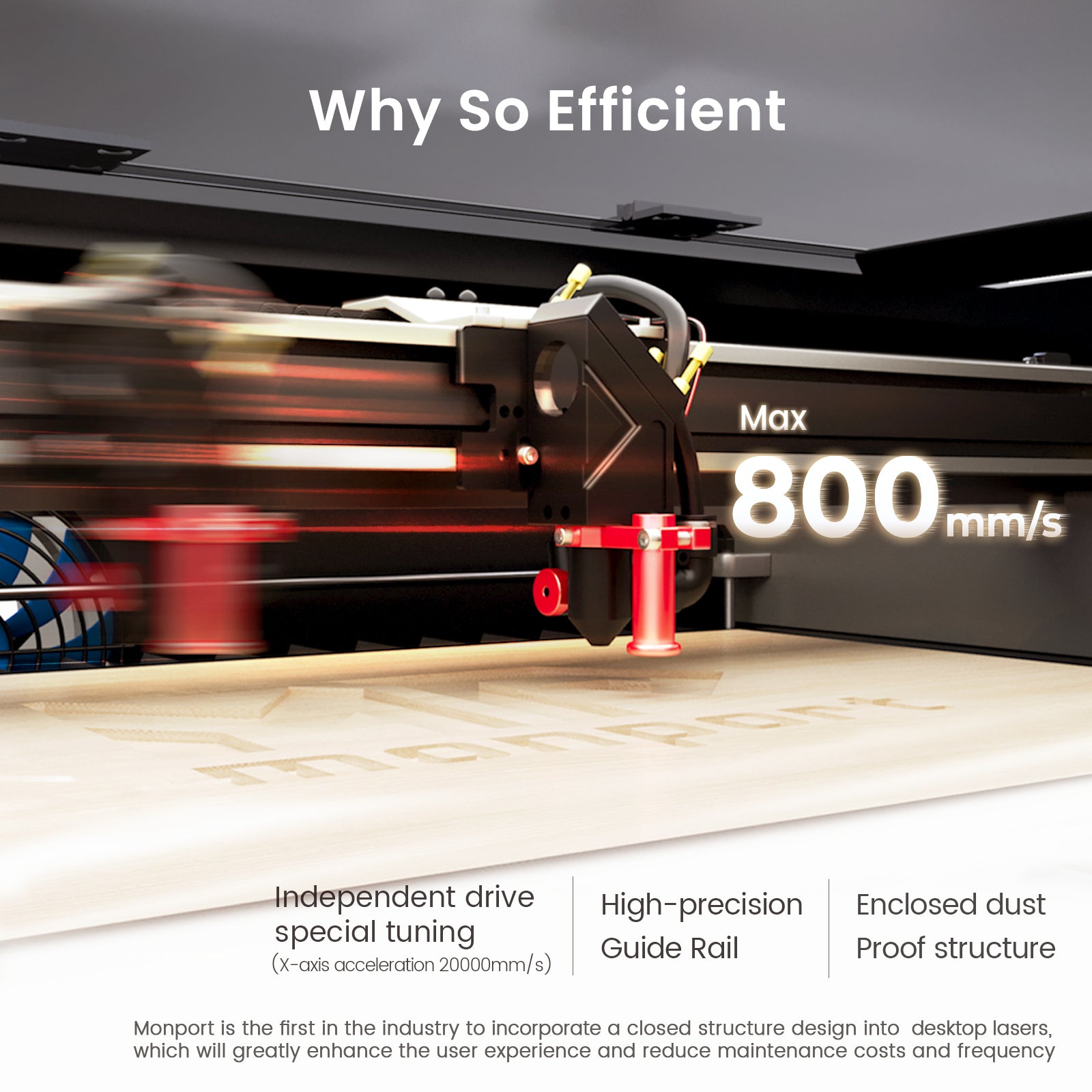
A table top laser cutter works by burning or vaporizing the surface layer.
With plastic, it’s a bit tricky because heat can cause melting instead of clean removal. That’s why power control matters.
Good machines give you:
-
Fine control over speed and power
-
Stable beam for clean lines
-
Adjustable air assist to reduce melting
When using a table top laser cutter, lower power with higher speed usually works better for plastic engraving. It keeps edges clean instead of gooey.
Still wondering can you laser engrave plastic without ruining it? Yes, just dial settings properly and test first.
Real Project Ideas Using Plastic
This is where things get fun. Once you know can you laser engrave plastic, you can start making things people actually buy.
Custom Name Plates

Engrave clear acrylic and paint fill the letters. Looks clean, very sellable. A table top laser cutter handles this easily.
Keychains

Small acrylic keychains with names or logos are fast to produce. If you’re asking can you laser engrave plastic for business, this is a great start.
Signage

Office signs, room labels, or small business branding. A table top laser cutter makes these very precise.
Photo Engraving

Yes, you can engrave photos on certain plastics. Not all, but acrylic works well. That’s another yes to can you laser engrave plastic.
Product Tags

For handmade goods, engraved plastic tags add a premium feel.
Why Monport Machines Stand Out
Not all machines handle plastic the same. This is where Monport really stands out.
The Monport Reno65 Pro 65W Desktop CO2 Laser Engraver & Cutter is built for both beginners and serious users.
Strong Power in Compact Size
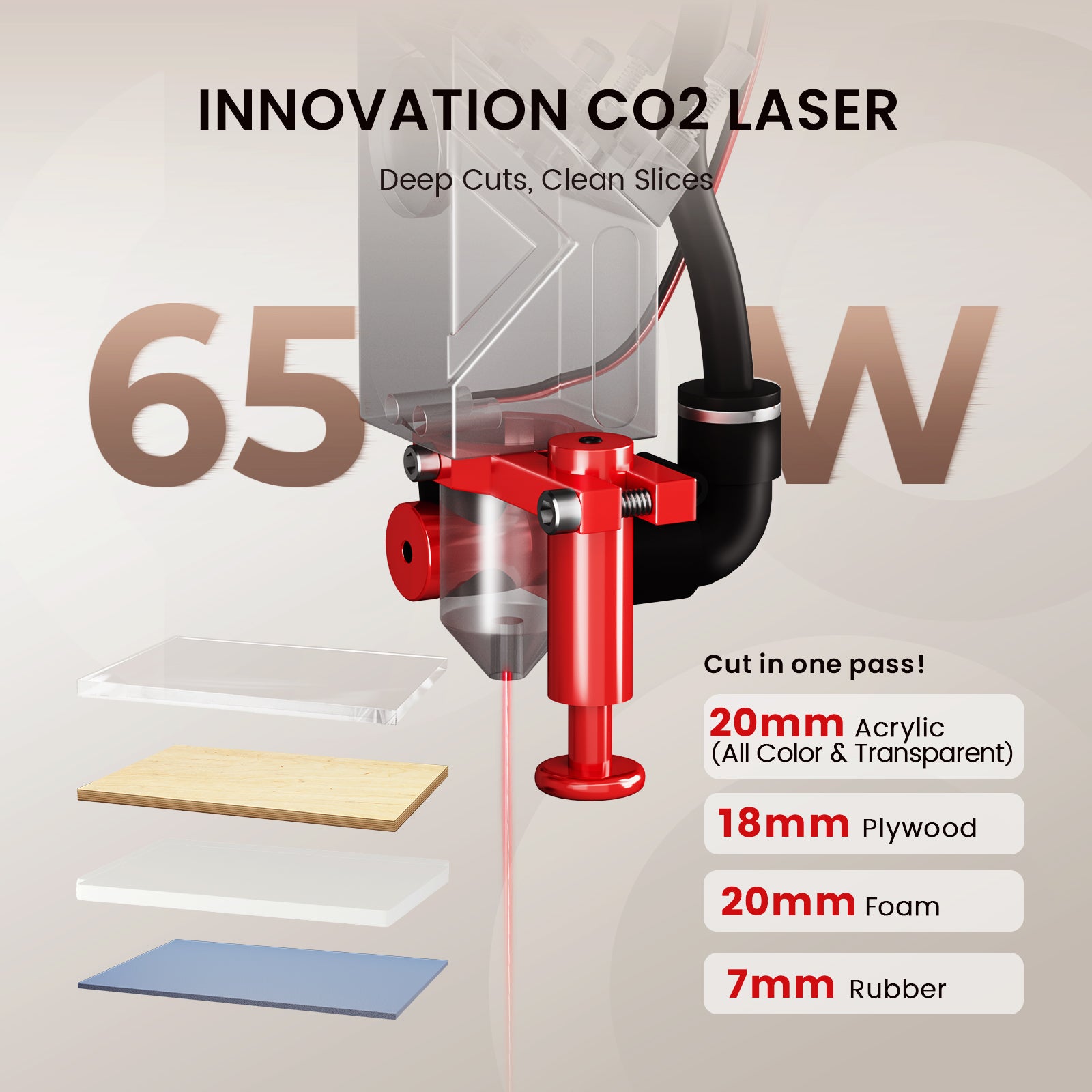
With 65W power, this table top laser cutter can engrave plastics cleanly and even cut thicker materials like acrylic up to 20mm. That’s a lot for a desktop unit.
Assisted Autofocus
One big issue when people try can you laser engrave plastic is focus problems.
Monport solves this with magnetic assisted autofocus. It’s quick, easy, and you don’t mess up your material.
Easy Controls
The LCD panel and mobile control make things simple. You don’t need to be an expert to start using a table top laser cutter like this.
Adjustable Air Assist
This is actually huge. Plastic engraving often melts edges, but adjustable airflow helps cool things down.
So if you’re serious about asking can you laser engrave plastic and want consistent results, Monport machines make it easier.
Large Work Area
600 x 400mm workspace means you can do bigger projects or batch production. For a table top laser cutter, that’s impressive.
Tips to Get Clean Results
If your results look bad, it’s usually not the machine—it’s settings.
Here’s what helps:
-
Use low power and high speed
-
Always test on scrap first
-
Use air assist to reduce melting
-
Clean the surface before engraving
-
Mask the plastic to prevent marks
Even if you’re still unsure can you laser engrave plastic, following these tips will improve results fast.
Common Mistakes Beginners Make
A lot of people try once and give up. Usually because of these:
-
Using the wrong plastic
-
Too much power (causes melting)
-
No airflow
-
Not focusing the laser correctly
A good table top laser cutter like Monport reduces these problems, but you still need to learn a bit.
Why a Table Top Laser Cutter Is Worth It
If you’re doing small business, hobby, or side hustle, a table top laser cutter is a solid investment.
You can:
-
Personalize products
-
Start a small engraving business
-
Create custom gifts
-
Sell online or locally
And yes, if you’re still asking can you laser engrave plastic for profit, the answer is yes—it’s actually one of the most popular materials.
Key Takeaways
-
Yes, can you laser engrave plastic is possible, but material type matters a lot
-
A table top laser cutter gives better control for small projects
-
Acrylic is one of the best plastics to engrave
-
Some plastics should NEVER be engraved (like PVC)
-
Settings like power and speed matter more than you think
-
Machines like Monport give more consistent results even for beginners
Conclusion
So back to the main question, can you laser engrave plastic? Yes, absolutely—but only if you use the right materials, settings, and machine. A quality table top laser cutter makes the process smoother, faster, and way less frustrating. If you’re serious about getting clean, sellable results, it’s worth investing in something reliable like Monport.
If you want to go deeper, see our laser engraver buying guide 2026 and learn what fits your setup best. And again, can you laser engrave plastic? Yes—you just need to do it the smart way.
FAQs
1. Can you laser engrave plastic safely
Yes, but avoid toxic plastics like PVC. Always check material before engraving.
2. What plastic works best for engraving
Acrylic is the best option. It gives clean and professional results with a table top laser cutter.
3. Why does plastic melt instead of engrave
Usually too much power or low speed. Adjust settings and use air assist.
4. Is a table top laser cutter enough for business
Yes, many small businesses run fully on a table top laser cutter. It’s enough for most custom jobs.
5. Can beginners use a laser engraver easily
Yes, especially with machines like Monport that have simple controls and autofocus.
Ready to start engraving plastic the right way?
Shop Now and get a reliable table top laser cutter that actually delivers clean results. Discover More about Monport machines and see why they’re trusted by beginners and pros
Don’t forget to use code BESTMP10 for 8% off your machine!





