


Software

A Beginner's Guide How to Use Lightburn Software for Laser Engraving
Discover how lightburn tutorial guide beginners and pros to master Monport laser engravers, optimizing designs, materials, and settings for stunning engravings.
Read moreSoftware

How Much is Lightburn Software: Discover Lightburn License Keys and Compatibility for Laser Engravers
Discover how much is LightBurn subscription and which license key suits your laser engraver. Learn about GCode & DSP keys, pricing, and Monport compatibility to start engraving with precision and ease.

Mastering the Craft: Choosing the Best Software for Laser Engraving
The right software is essential for unleashing the full potential of laser engraving and engraving photos. Whether you're a hobbyist, a small business owner, or a professional artisan, the software options mentioned above offer the tools and features needed to bring your creative visions to life with precision and clarity.

Free Laser Files for Lightburn: Best Websites with Free Files for Laser Cutting
Stuck finding free laser cutting file or designs for Lightburn? Look no further! This guide explores resources for SVG, DXF & more. Plus, discover Monport's beginner-friendly 40W desktop laser engraver - perfect for using those free laser cut files to turn your ideas into reality! From wood to acrylic, create stunning projects with ease.
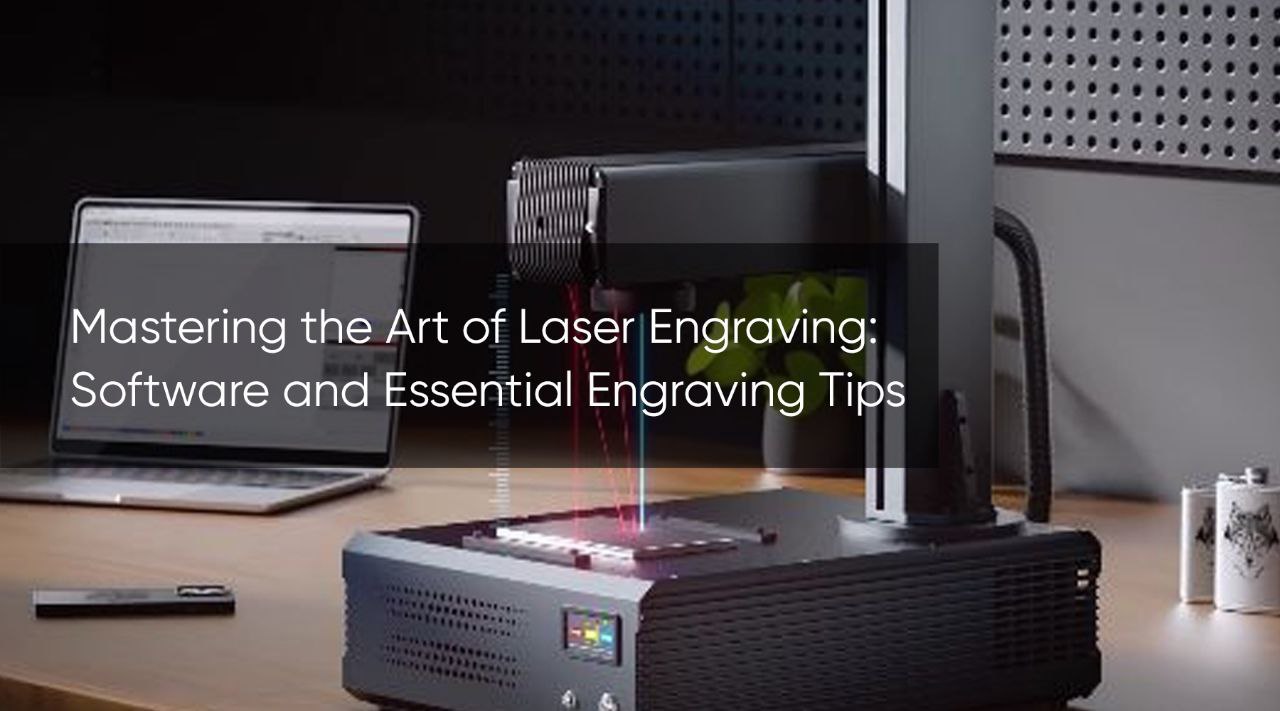
Mastering the Art of Laser Engraving: Software and Essential Engraving Tips
Unlock the power of laser engraving! Our guide explores Monport GA MOPA Fiber Laser & LightBurn software. We reveal engraving tips & troubleshooting tricks to help you achieve professional-looking results. Take your creativity to the next level. Learn more & start engraving now!Unlock the power of laser engraving! Our guide explores Monport GA MOPA Fiber Laser & LightBurn software. We reveal engraving tips & troubleshooting tricks to help you achieve professional-looking results. Take your creativity to the next level. Learn more & start engraving now!
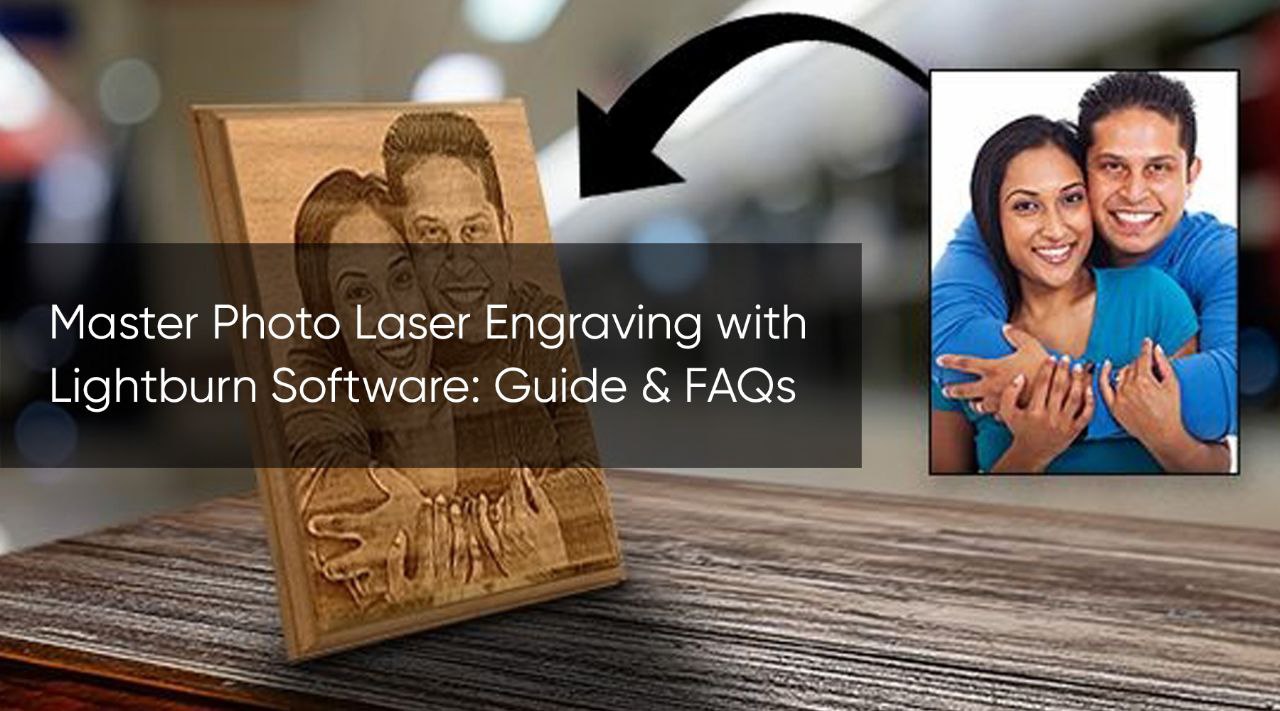
Master Photo Laser Engraving with Lightburn Software: Guide & FAQs
Want to turn photos into amazing laser engravings? Lightburn software makes it easy! Our guide explores Lightburn's features & how it pairs perfectly with Monport CO2 Laser Engravers for photo engraving. Learn about Lightburn's intuitive interface, image editing tools, & dithering options. Discover how Lightburn unlocks the full potential of Monport lasers

Mastering Laser Engraver Software: A Comprehensive Guide with LightBurn Tutorials
Mastering laser engraver software, such as LightBurn, is essential for unlocking the full potential of your laser engraving machine. With its intuitive interface and powerful features, LightBurn offers a seamless experience for users of all skill levels. By exploring LightBurn tutorials and experimenting with different techniques, you can elevate your engraving projects to new heights of creativity and precision.

A Lightburn Beginner Tutorial:What is the difference beween Lightburn GCode, DSP and Galvo?
Learn how to choose the right GCode Lightburn or DSP laser system for your Monport machine. Achieve high-precision, professional engravings on wood, metal, and more.

Exploring Laser Design Software: Lightburn and Beyond
Laser design software plays a crucial role in transforming creative ideas into tangible products. Lightburn, with its user-friendly interface and versatile feature set, has established itself as a go-to choice for many users. However, exploring other options can provide valuable insights and help users find the software that best suits their needs and preferences.

Maximizing Your Laser Cutting Potential with Lightburn Software
Lightburn software, when paired with the Monport 40W CO2 Laser Engraver & Cutter, offers a powerful solution for precision laser cutting and engraving. Its intuitive interface, camera alignment, material database, and GCode support streamline workflows, ensuring optimal performance for both beginners and professionals alike.

Software for Laser Engraving: The Key to Unlocking the Potential of Your Laser Engraver
Enhance your laser engraving projects with the perfect software! Discover the importance of laser engraver software and explore top free options like Software A and Software B. Achieve precision, efficiency, and personalized results on various materials with the right software.

The Ultimate Guide to Choosing Best Laser Engraving Software
Finding the best laser engraving software is essential for achieving exceptional results in your projects. LightBurn, with its intuitive interface and powerful features, stands out as the leading software option. By combining LightBurn with Monport's 80W CO2 Laser Engraver & Cutting Machine, you unlock a world of possibilities for creating remarkable engravings.

A Comprehensive Guide to Metal Laser Engraving: Choosing the Right Laser Engraver for Metal
Introduction Metal laser engraving has gained significant popularity in recent years due to its ability to create precise and permanent markings on various metal surfaces. Whether you are a hobbyist or a professional, finding the right laser engraver for metal is crucial to achieve high-quality results. In this comprehensive guide, we will explore the features and benefits of the Monport GI30 Integrated MOPA Fiber Laser Engraver & Marking Machine with Electric Lifting, and provide useful insights into metal laser engraving. Monport GI 30W Integrated MOPA Fiber Laser Engraver & Marking Machine with Electric Lifting - Machine Understanding Metal Laser Engraving Metal laser engraving involves using a laser beam to ablate or vaporize the top layer of a metal surface, leaving behind a permanent mark. Laser engraving offers precise control over depth and design, making it incredibly versatile for a wide range of applications, including personalization, branding, serialization, and more. The key to successful metal laser engraving lies in selecting the right laser engraver. The Monport GI30 Integrated MOPA Fiber Laser Engraver & Marking Machine The Monport GI30 is a state-of-the-art laser engraving machine specifically designed for metal engraving. Its integrated MOPA fiber laser technology allows for high precision and versatility, making it suitable for a wide range of metal materials, including stainless steel, aluminum, brass, copper, and more. Key Features and Benefits Electric Lifting: The Monport GI30 features an electric lifting system that enables easy adjustment of the working distance between the laser head and the metal surface. This ensures optimal focus and precise engraving, even on irregular or curved metal objects. High-Speed Marking: With a maximum marking speed of 7,000mm/s, the Monport GI30 delivers exceptional efficiency and productivity. The advanced laser technology ensures fast and accurate marking, allowing you to meet strict deadlines without compromising quality. Deep Engraving Capability: The MOPA fiber laser technology integrated into the Monport GI30 offers superior control over pulse duration and frequency, making it possible to achieve deep engravings. This feature is especially valuable for applications that require clear and legible markings. User-Friendly Operation: The Monport GI30 comes with user-friendly software that simplifies the process of creating and editing designs for metal engraving. The intuitive interface allows users of all skill levels to achieve professional-grade results with ease. FAQs Q: What types of metals can be laser engraved using the Monport GI30? A: The Monport GI30 is compatible with a wide range of metal materials, including stainless steel, aluminum, brass, copper, and more. Q: Can the Monport GI30 achieve deep engravings? A: Yes, the Monport GI30's MOPA fiber laser technology allows for superior control over pulse duration and frequency, making deep engravings possible. Q: Is the Monport GI30 suitable for curved or irregular metal surfaces? A: Yes, the Monport GI30's electric lifting system enables easy adjustment of the working distance, ensuring optimal focus and engraving on various metal objects. Important Details Laser Source: MOPA Fiber Laser Laser Power: 30W Marking Area: 110mm x 110mm (standard), optional rotary attachment available Cooling Mode: Air cooling Power Supply: AC 220V Software: User-friendly software for design creation and editing Key Takeaways Metal laser engraving offers precise and permanent markings on various metal surfaces. The Monport GI30 Integrated MOPA Fiber Laser Engraver offers high-speed marking, deep engraving capability, and user-friendly operation. It is suitable for a wide range of metal materials and allows for effortless adjustment on curved or irregular metal surfaces. Conclusion When it comes to metal laser engraving, having a reliable and high-quality laser engraver is essential. The Monport GI30 Integrated MOPA Fiber Laser Engraver & Marking Machine with Electric Lifting offers a perfect combination of advanced technology, user-friendly operation, and exceptional precision. With its outstanding features and capabilities, the Monport GI30 is an excellent choice for anyone seeking professional-grade metal laser engraving results.