


EduLine Malta didn’t start big. They were a small print and supply shop handling school materials, IDs, and basic office needs. But one thing kept slowing them down—rubber stamp laser engraving. Orders kept coming, but their old method? slow, messy, and sometimes not consistent. That changed when they switched to the Reno45Pro desktop laser cutter. From that point, rubber stamp laser engraving became faster, cleaner, and honestly way less stressful.
If you’ve ever struggled with rubber stamp laser engraving, this story might hit close. The Reno45Pro desktop laser cutter didn’t just improve output, it changed how they run their day-to-day work.
Use code BESTMP10 to get 8% off when you’re ready to upgrade.

Monport Reno45 Pro 45W Desktop CO2 Laser Engraver & Cutter (16" X 12") with Magnetic Assisted Focus

The Problem EduLine Malta Faced
Before switching, rubber stamp laser engraving was kind of a bottleneck. They used manual carving and an outdated machine that couldn’t keep up.
Slow Turnaround
Each rubber stamp laser engraving job took too long. Small orders were fine, but bulk? Not really.
Inconsistent Quality
Some stamps came out perfect. Others needed redo. That means wasted rubber, time, and energy.
Limited Growth
They couldn’t accept more clients because rubber stamp laser engraving capacity was already maxed out.
That’s when they started looking into a better solution.
Why They Chose Reno45Pro Desktop Laser Cutter
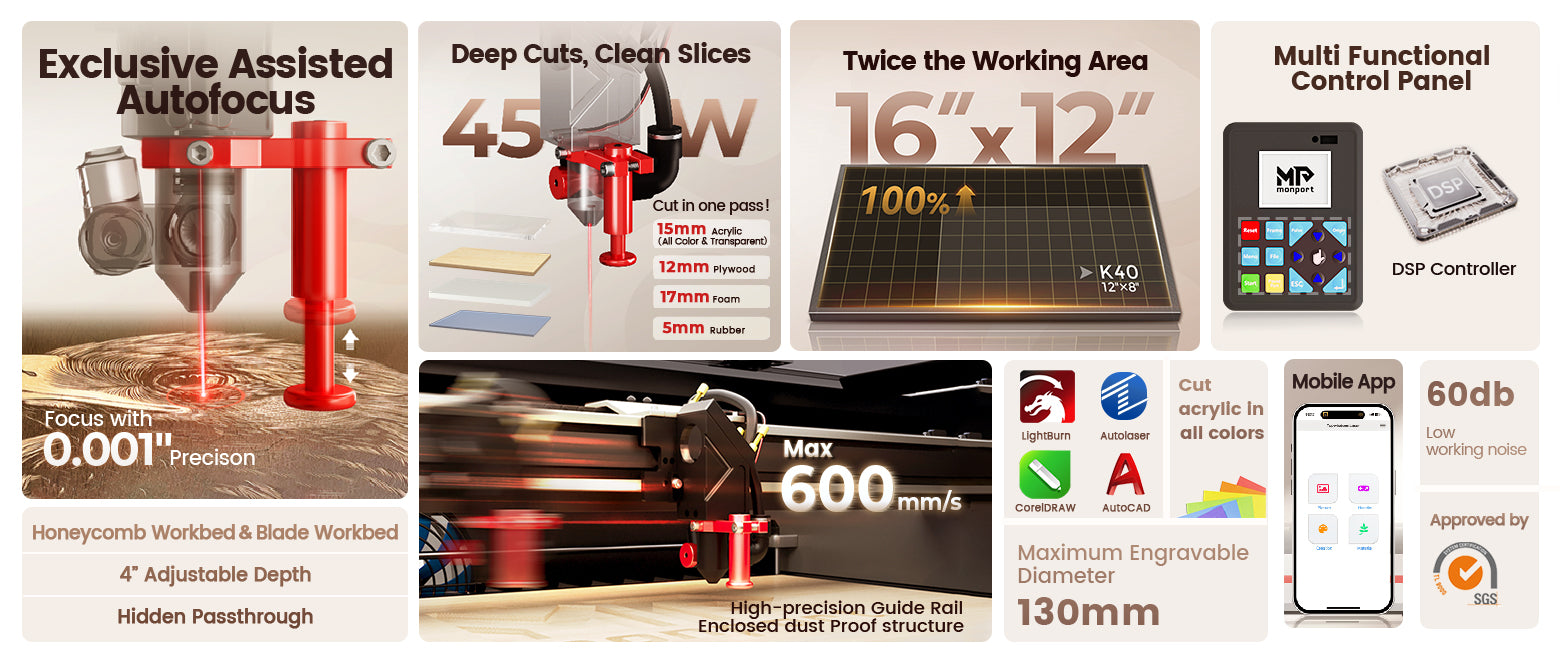
After comparing options (you can see our laser engraver buying guide 2026 for more ideas), they landed on the Reno45Pro desktop laser cutter.
Not just because of price, but because it made sense for real work.
Easy to Use, No Overthinking
The Reno45Pro desktop laser cutter has one-touch control. EduLine’s team didn’t need weeks of training.
They started doing rubber stamp laser engraving almost right away.
Magnetic Assisted Autofocus
This feature honestly made a big difference. No more guessing height or focus.
Rubber stamp laser engraving became consistent. Clean cuts, every time.
Fast Speed Without Losing Quality
With speeds up to 600mm/s, the Reno45Pro desktop laser cutter handled bulk orders smoothly.
They could finish rubber stamp laser engraving jobs in hours, not days.
How Production Changed After the Upgrade

Once the Reno45Pro desktop laser cutter was in place, things shifted fast.
Faster Order Completion
Rubber stamp laser engraving that used to take a full day? Now done in a few hours.
Better Output Quality
Edges became sharper. Text clearer. No more uneven engraving.
Rubber stamp laser engraving looked more professional, which customers noticed.
Less Waste
Because the machine is precise, fewer mistakes happened.
That means less rubber wasted in rubber stamp laser engraving.
Features That Made the Biggest Impact
The Reno45Pro desktop laser cutter isn’t just another machine. Some features stood out more than others.
Strong Cutting Capability
It can cut acrylic up to 15mm thick. For rubber stamp laser engraving, that power means deep, clean engraving.
Large Working Area
400 x 300mm workspace gave them room to batch jobs.
Rubber stamp laser engraving became more efficient since multiple stamps could be done at once.
Quiet Operation
Surprisingly quiet. They could run rubber stamp laser engraving jobs even in office hours without noise complaints.
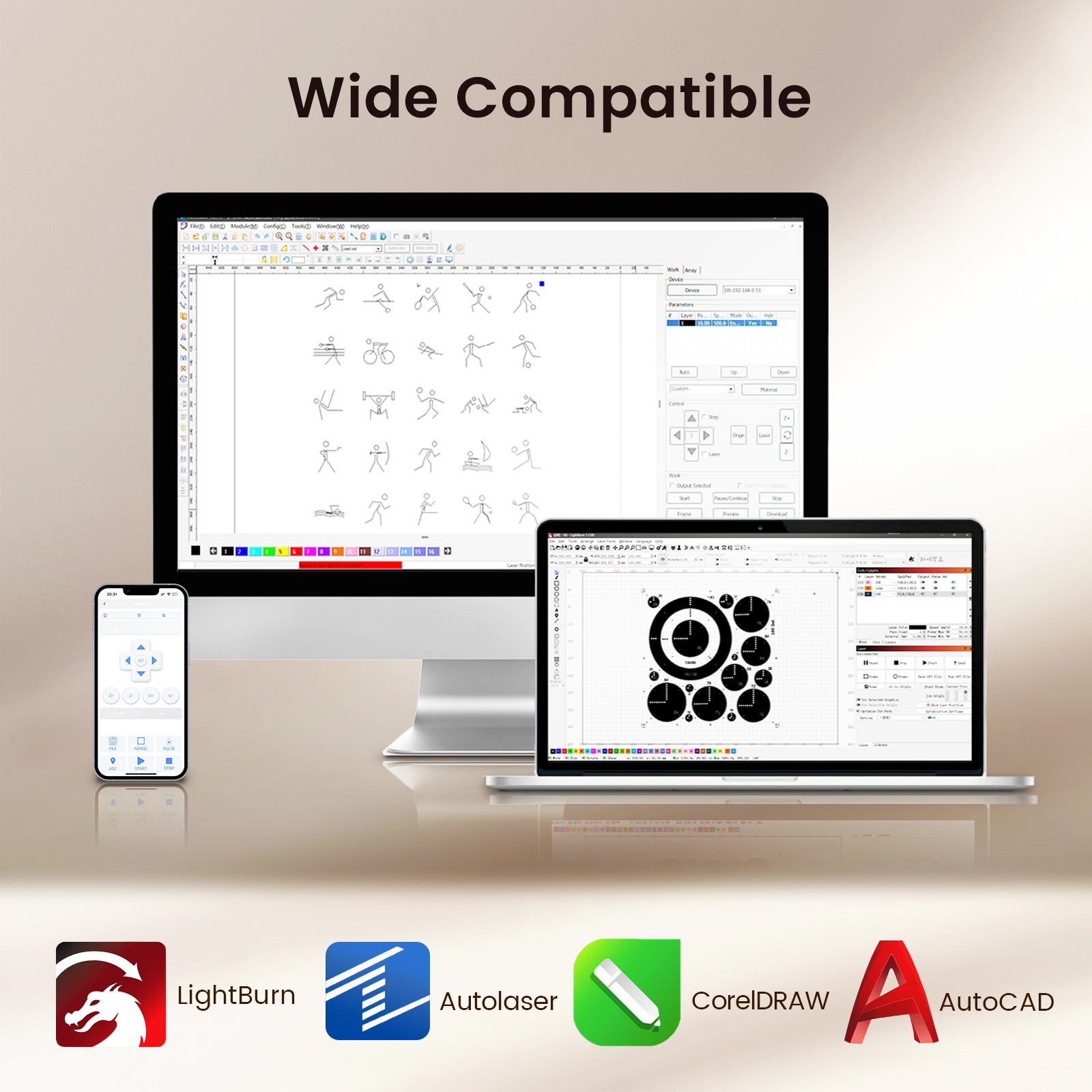
Wide Compatibility
Works with LightBurn and other software. So their workflow didn’t need to change much.
That made transitioning to the Reno45Pro desktop laser cutter smooth.
Real Results from EduLine Malta
After a few months, the difference was obvious.
-
2x faster rubber stamp laser engraving output
-
Increased customer orders
-
Better consistency in every batch
-
Less stress on staff
They even expanded into custom stamp designs because the Reno45Pro desktop laser cutter made it easy.
Ideas You Can Try with Rubber Stamp Engraving

If you’re thinking of using rubber stamp laser engraving for business, here are some simple ideas:
-
Office stamps (approved, paid, received)
-
Custom logo stamps for small brands
-
Teacher stamps for schools
-
Wedding and event stamps
-
Craft stamps for DIY sellers
With the Reno45Pro desktop laser cutter, these are not hard to produce at all.
Why Monport Stands Out
Monport didn’t just build a machine. They made something practical.
Balanced Design
Stylish but not just for looks. The Reno45Pro desktop laser cutter delivers performance that matches real business needs.
Built for Beginners and Pros
Even if you’re new to rubber stamp laser engraving, you won’t feel lost.
Reliable Engineering
From laser tube development to airflow system, everything is designed for long-term use.
Affordable but Powerful
You’re not overpaying, but you’re still getting serious performance.
Key Takeaways
-
Reno45Pro desktop laser cutter speeds up rubber stamp laser engraving production
-
Clean, sharp results with less trial and error
-
Easy to learn, even for beginners
-
Handles bulk orders without slowing down
-
Saves time, labor, and material waste
-
Ideal for small shops scaling up
Conclusion
EduLine Malta didn’t need a massive factory upgrade. They just needed the right tool. The Reno45Pro desktop laser cutter gave them that edge. Rubber stamp laser engraving became faster, easier, and more reliable. And that opened the door for growth.
If you’re planning to improve your rubber stamp laser engraving process, this is one upgrade that actually makes sense.
That’s why many small businesses trust the Reno45Pro desktop laser cutter. If you’re still doing rubber stamp laser engraving the slow way, you’re losing time and money. Upgrade now and see the difference yourself.
Shop Now and get 8% off using code BESTMP10. Discover More and explore how the Reno45Pro desktop laser cutter can fit your workflow
FAQs
What materials can the Reno45Pro handle for rubber stamp laser engraving?
It works great on rubber, but also supports wood, leather, acrylic, and more.
Is the Reno45Pro desktop laser cutter beginner-friendly?
Yes, very. The controls are simple and the autofocus feature makes setup quick.
How fast is rubber stamp laser engraving with this machine?
It can go up to 600mm/s, which is fast enough for bulk production.
Does it require a lot of maintenance?
Not really. Basic cleaning and proper use will keep it running smoothly.
Can I use my existing design software?
Yes, it supports LightBurn and other common software, so you can continue your workflow.





