








Brand New Monport 70W Desktop CO2 Laser Engraver & Cutter(28" X 14") - MEGAS| Built-In Water Cooling, 8MP HD Camera, AutoFocus
Brand New Monport 70W Desktop CO2 Laser Engraver & Cutter(28" X 14") - MEGAS| Built-In Water Cooling, 8MP HD Camera, AutoFocus
Final Price
$2,599.99
✅ More Features, Less Cost
Professional-grade features without the professional price tag.
✅ Precision That Makes a Difference
Ultra-fine 0.05–0.08 mm spot size for cleaner, sharper engraving.
✅ A Desktop Laser That Works Like a Factory Tool
Powerful 70W performance with batch production capabilities.
✅ Ready for Your Next Level
Simple for beginners. Powerful enough for LightBurn professionals.
⚠️ Note: New or old version shipped at random. Only cosmetic color difference, no functional difference.
Shop Black Friday Prices, Enjoy 90-Day Price Protection, and Get a Free Air Assist and 3 bottles of spray with Your Purchase!


Couldn't load pickup availability
The Most Affordable 70W CO2 Laser for Small Business
From hobby creators to small business production — cut, engrave, and scale with confidence.
Built for Speed, Precision & Small Batch Production

Why Creators & Small Factories Choose MEGAS?
Create multiple products efficiently with optimized workflows designed for repeat engraving and small business production.
Support continuous engraving workflows with conveyor compatibility, allowing you to handle longer materials and larger production tasks.
With rotary compatibility, MEGAS can engrave cylindrical objects and personalized products with ease.
Built for Real Businesses
Looking for laser engraving business ideas? Monport CO2 laser engraver machines help you turn creativity into products you can sell—from personalized gifts and custom signage to business logo engraving and décor. Start your business, create more, and grow with Monport.


Powerful Performance. Simplified Workflow.
A spacious 28" × 14" engraving area gives you the freedom to create larger projects or handle multiple designs in one workflow.
Automatically adjust focus before every project for consistent engraving quality across different materials and thicknesses.
Achieve crisp engraving results with a minimum 0.03mm laser spot, delivering sharp lines, intricate patterns, and professional-quality details.
Simplified optical path design — no complex beam alignment required. No professional calibration needed for daily use. Beginner-friendly setup process, get started in minutes. Designed to reduce technical barriers and setup frustration
Smart Tech Revolution Solve Your Problem


Smart Tech Revolution Solve Your Problem


One Machine. Powerful Cutting. Precise Engraving.
Clean, precise cuts for thicker wood projects.
Smooth, precise cuts for bold acrylic creations.
Easily engrave intricate designs and cut wooden materials for personalized products, crafts, and commercial projects.
Produce smooth cuts and polished-looking acrylic engravings for signs, displays, decorations, and custom products.
Engrave detailed artwork, logos, and personalized designs on stone surfaces with outstanding clarity and durability.
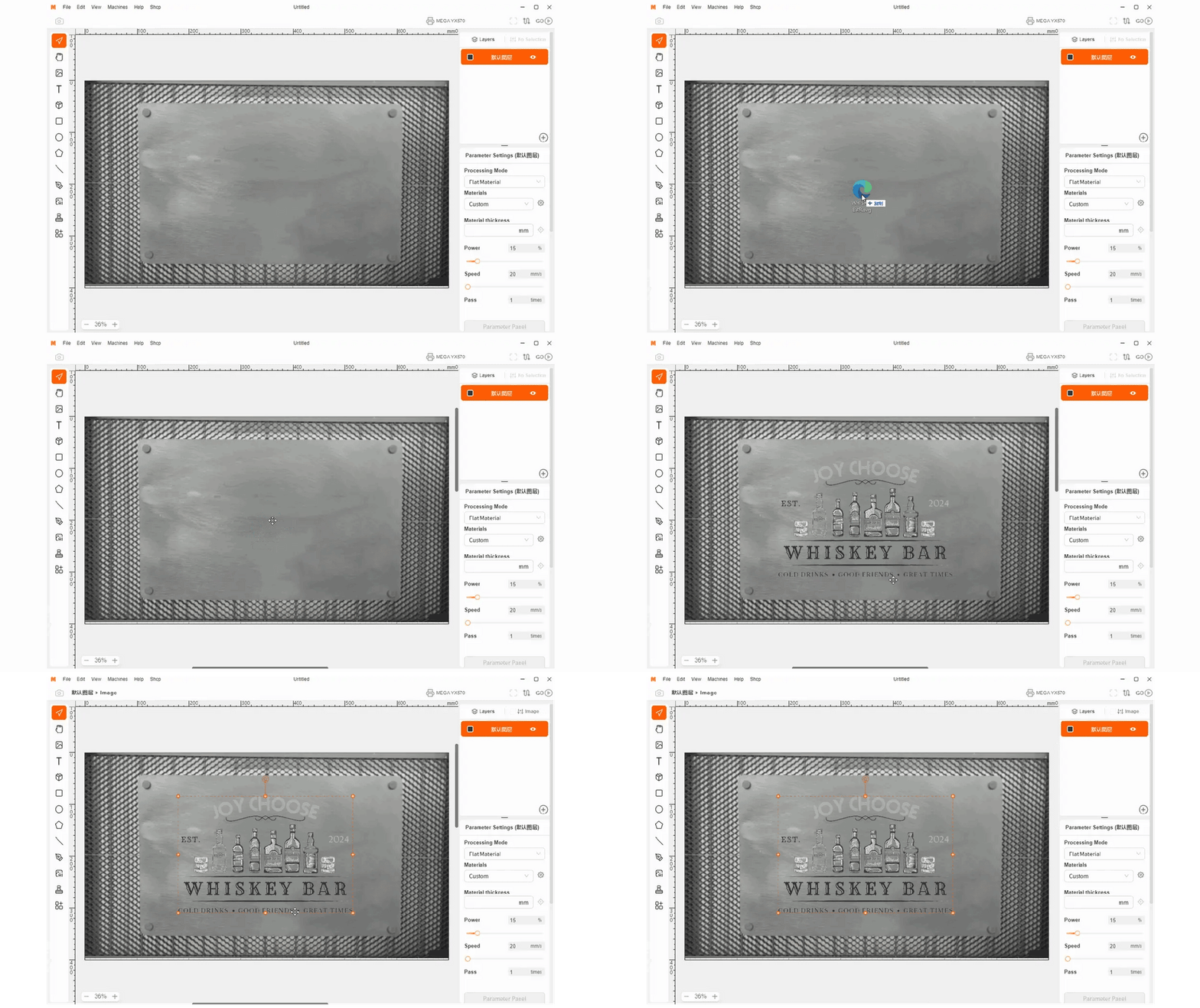
Monport's Easy-to-Learn Built-in Free Software


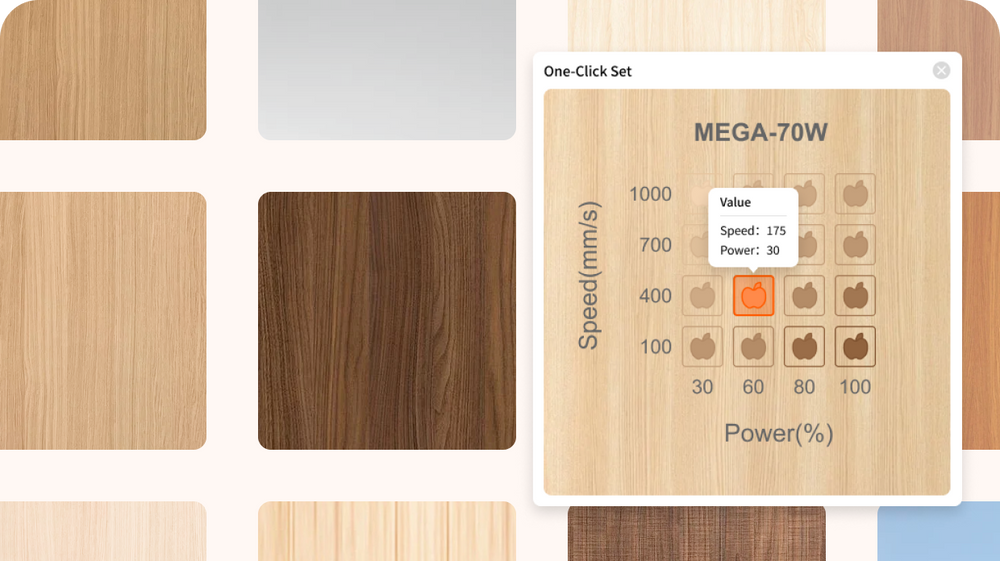

Why Choose MEGAS as Your CO2 Laser Engraver?


This is NOT just a hobby laser.
Built for businesses ready to create more, sell more, and take on larger orders.
1. Personalized Business Gift Sets: Create branded gift sets with custom names, logos, and designs for clients, teams, and special events.
2. Custom Engraving for Businesses: Add logos, names, and custom details to products, signage, awards, and promotional items.
3. Laser Engraved Gifts: Turn everyday products into personalized gifts with names, messages, logos, and unique designs.
4.Laser Engraver for Small Business: Handle custom orders and small-batch production with a versatile laser engraver built for growing businesses.


Craft on Various Materials with Our Precision CO2 Laser Engraver
Personalized gifts, home décor, signage, accessories, and more—turn your ideas into products people want to keep.


Used by Real Makers & Workshop Creators
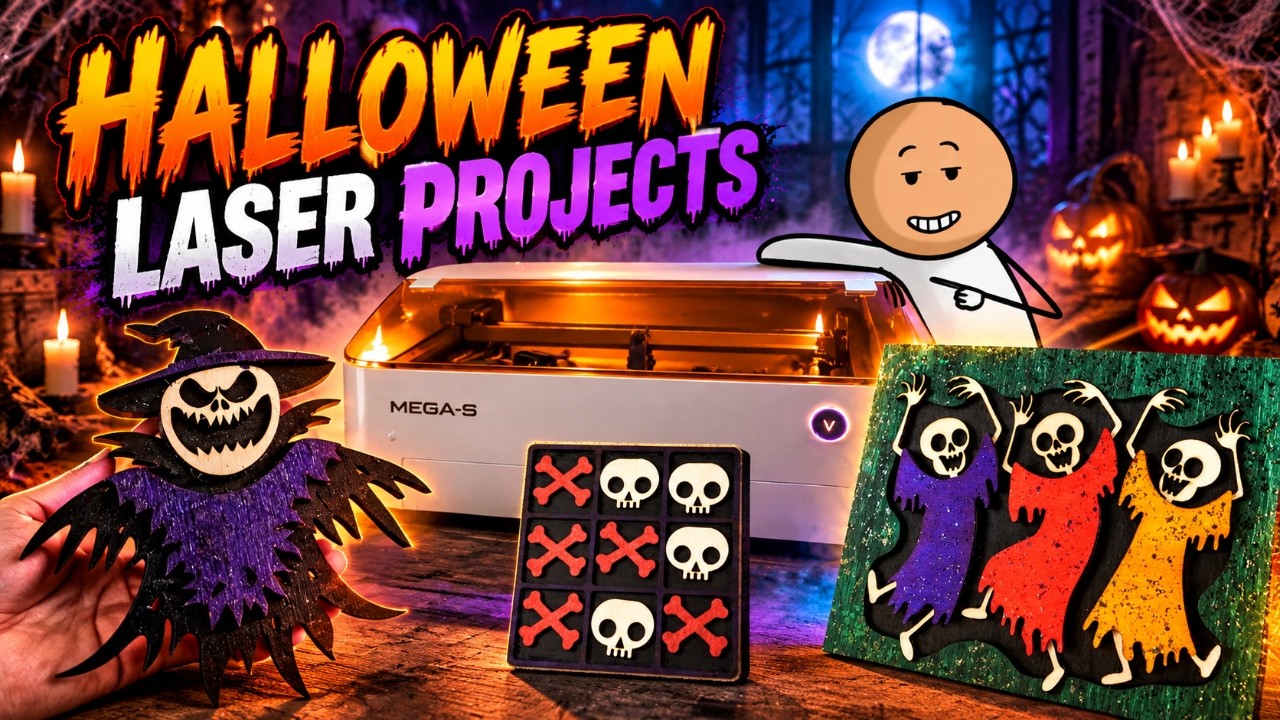

Let’s bring our Halloween ideas to life with the Megas. This machine cuts through wood with a perfectly clean finish—no scorch marks at all—and the auto-focus feature is incredibly convenient.
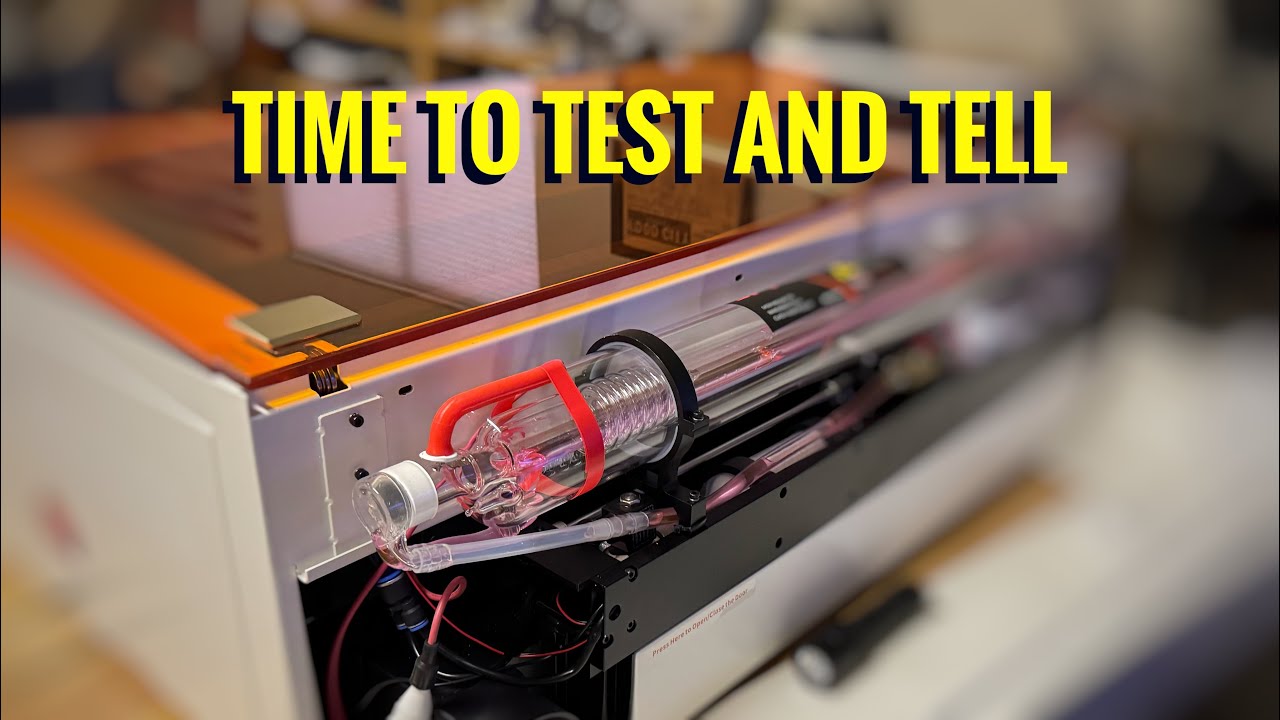

In this video, I give you a hands-on, real-world review of the Monport 70W CO2 Laser Engraver. I cover setup, build quality, cutting speed, engraving precision, and overall value for makers, small business owners, and serious hobbyists.
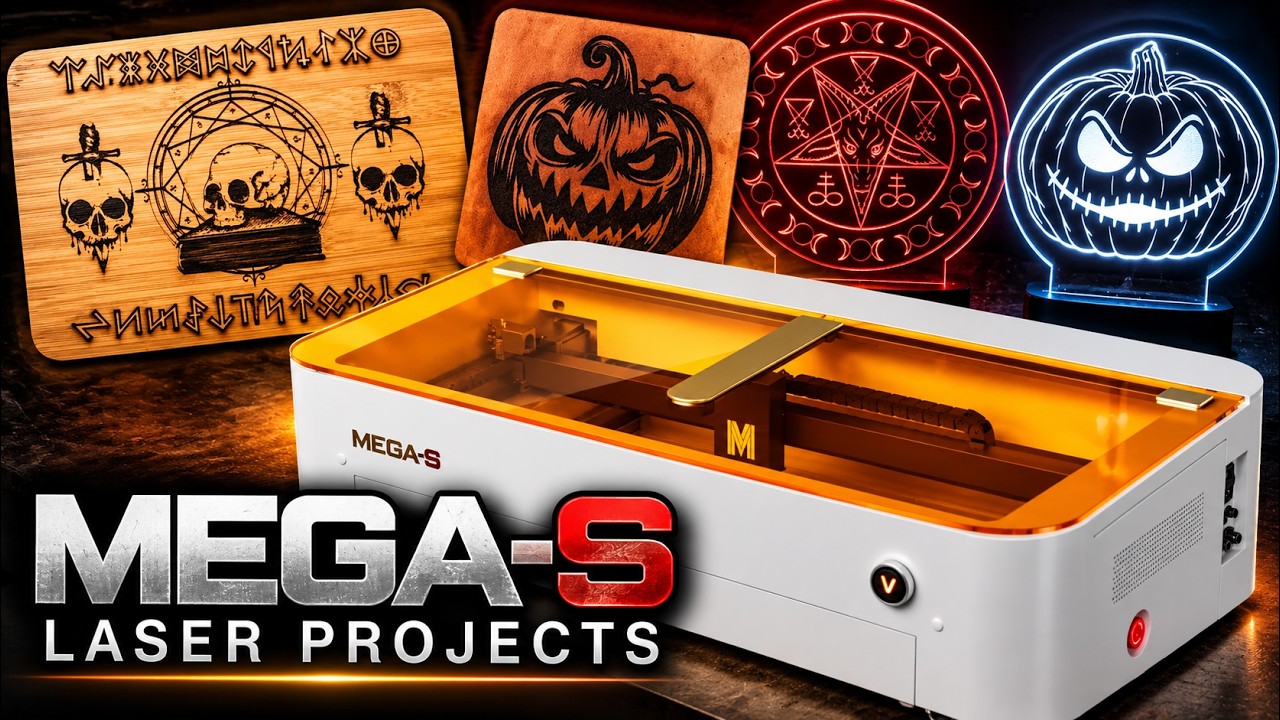
Watch the MEGAS transform leather, bamboo, and acrylic into stunning Halloween decorations. With its 8MP camera for precise positioning and autofocus for easy setup, MEGAS helps you create detailed designs with impressive results.
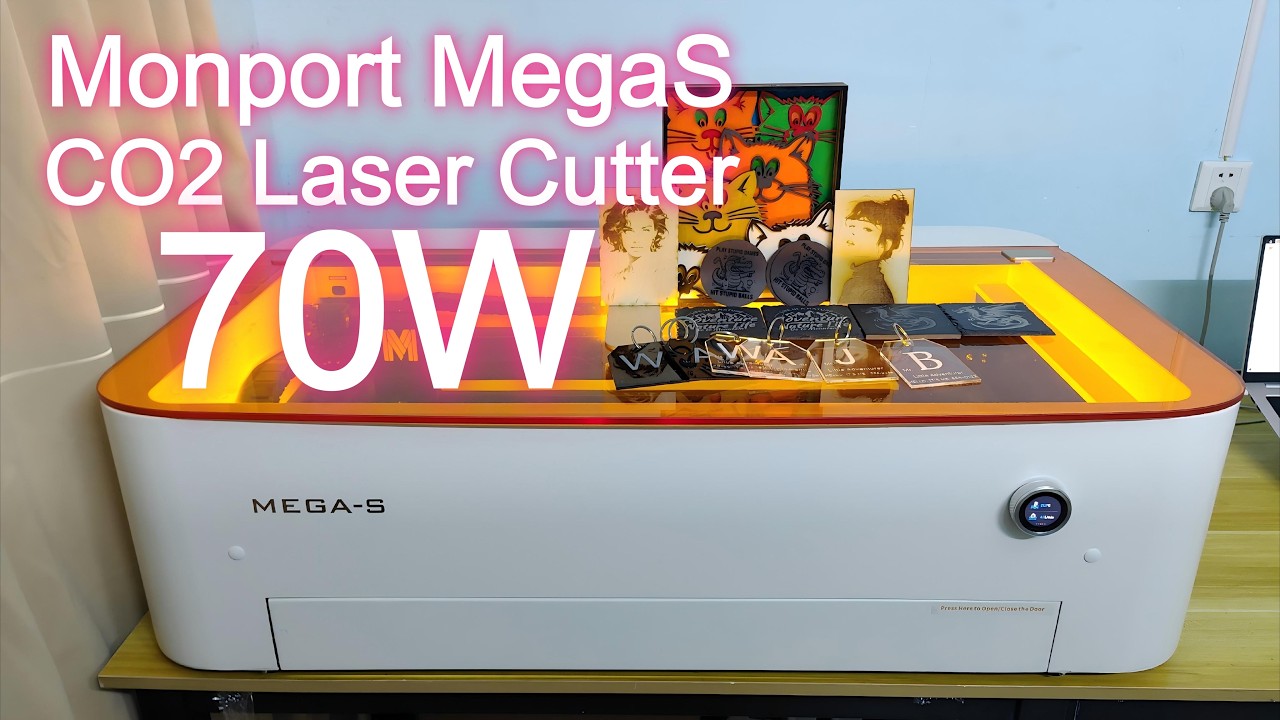

We’ll look at its massive 700x350mm working area, the smart non-contact autofocus, and how it handles transparent acrylic (with beautiful flame-polished edges), thick leather, and delicate kraft paper.
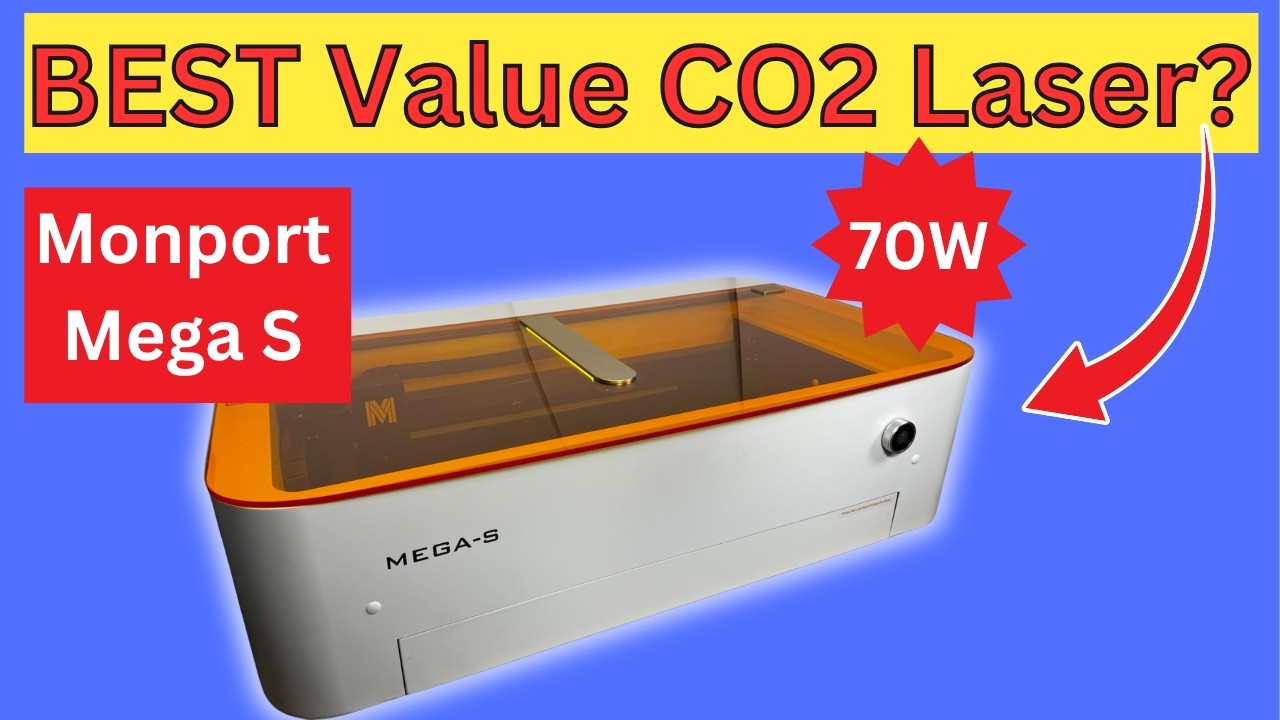

The Monport MEGAS 70 Watt is a powerful CO2 laser cutter and laser engraver designed for wood engraving, acrylic cutting, glass engraving, leather projects, and custom maker creations. As a user-friendly CO2 laser engraver for beginners, it also provides the power and versatility needed for small businesses, workshops, and growing production.


Specifications
High-performance exhaust system. Ready for use in just 5 minutes. Working area measuring 700 × 350 mm. Automatic operation mode. Integrated panoramic 8MP camera . Powerful suction system. Intelligent touchscreen.
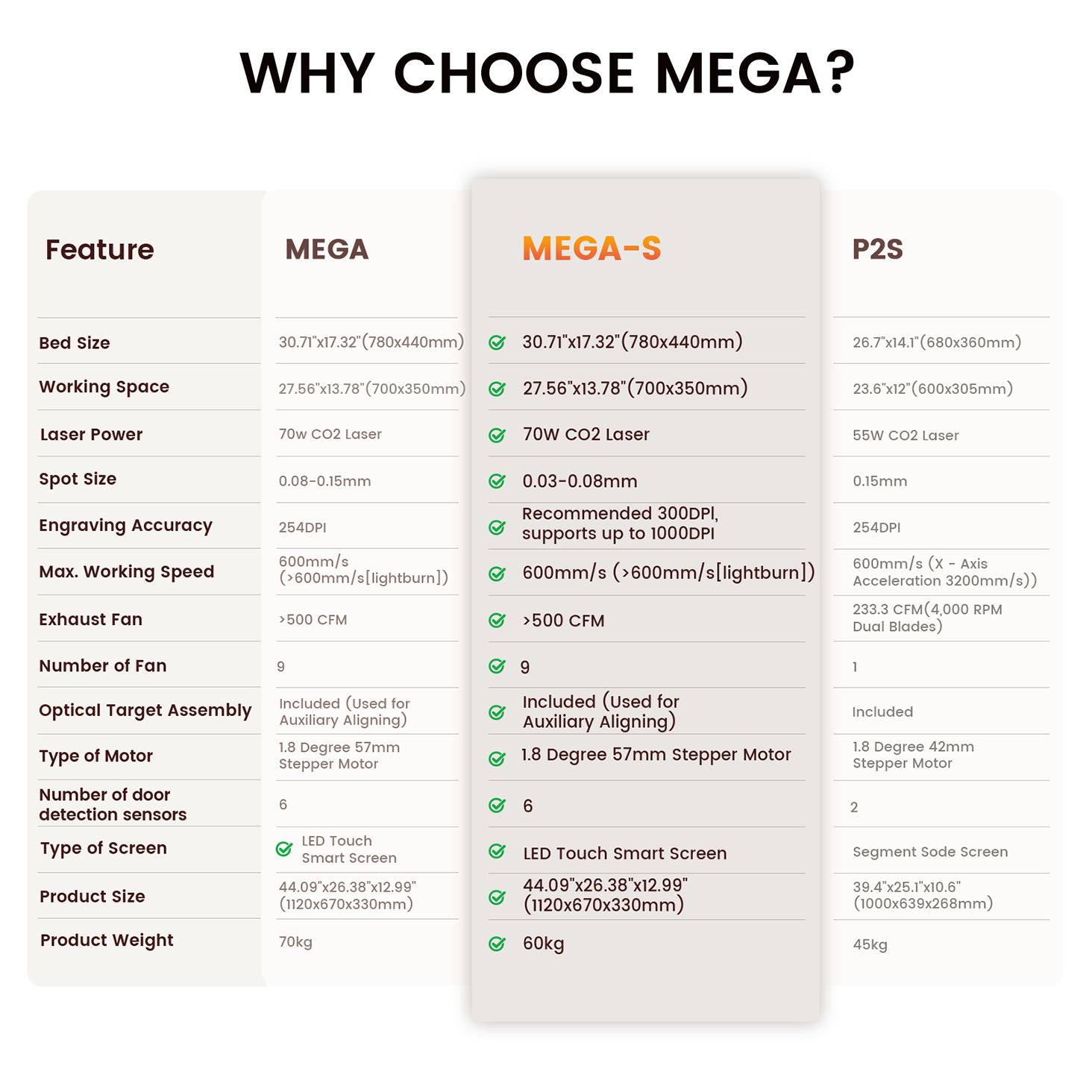
70W CO2 Laser
27.56"x13.78"(700x350mm)
30.71"x17.32"(780x440mm)
600 mm/s
MEGAS Package List

See Why Industry Experts Are Talking About MEGAS







FAQ – Monport MEGAS CO2 Laser Engraver
What materials can the Monport MEGAS CO2 laser engraver cut?
What materials can the Monport MEGAS CO2 laser engraver cut?
The Monport MEGAS CO2 laser engraver can cut up to 20mm acrylic and 18mm basswood, making it suitable for both light crafting and industrial production. It performs well on wood, acrylic, leather, and other non-metal materials commonly used in a CO2 laser engraving machine workflow.
How precise is the MEGAS CO2 laser engraving machine?
How precise is the MEGAS CO2 laser engraving machine?
The MEGAS offers ultra-high precision with a spot size as small as Min. 0.03mm (with 1.5'' focus lens) using its advanced 1.5-inch focusing lens. This allows extremely fine engraving detail, up to 1000 DPI, making it one of the most precise CO2 laser engraving machines in its class.
Can I improve the cutting performance of the MEGAS CO2 laser machine?
Can I improve the cutting performance of the MEGAS CO2 laser machine?
Yes. By upgrading to a telephoto focusing lens and external booster pump, the cutting performance of the CO2 laser machine can increase by up to 25%. This results in cleaner cuts, reduced burn marks, and improved edge quality.
Does the MEGAS CO2 laser engraver reduce burn marks during engraving?
Does the MEGAS CO2 laser engraver reduce burn marks during engraving?
Yes. The optimized airflow and cutting system in the MEGAS significantly reduces burn marks while improving engraving clarity. It enhances line sharpness and ensures cleaner results, especially when working with wood and acrylic materials.
How fast is the setup and alignment process?
How fast is the setup and alignment process?
The MEGAS features a quick optical alignment system that allows users to complete calibration in about 5 minutes. This fast setup improves efficiency and ensures accurate engraving alignment for every CO2 laser engraving machine project.
How does the airflow system improve performance?
How does the airflow system improve performance?
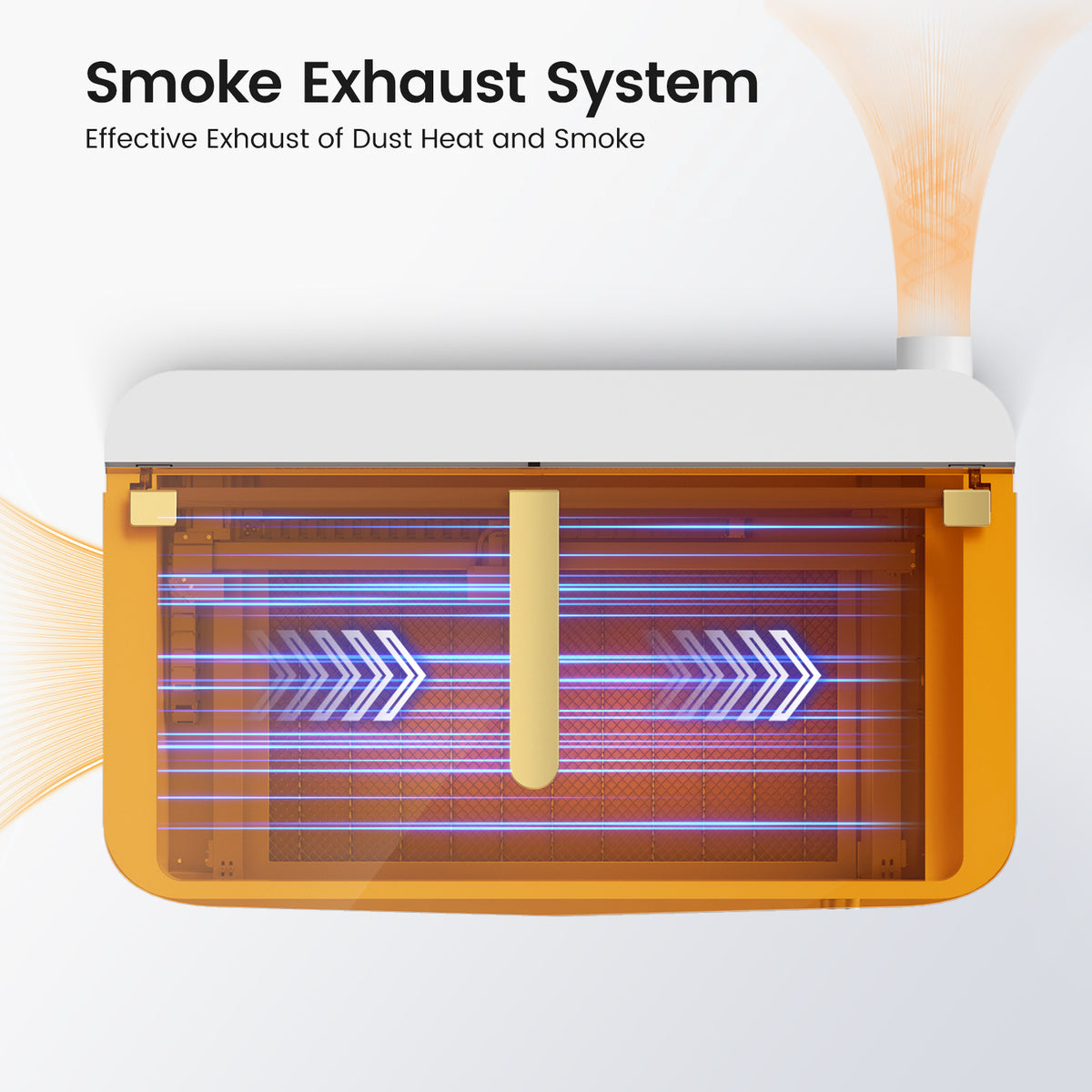
The MEGAS includes an advanced air duct system that quickly removes smoke and fumes during operation. This helps maintain a cleaner workspace, improves cutting stability, and enhances overall engraving quality when using a CO2 laser engraver engraving machine.
Is the MEGAS suitable for professional or business use?
Is the MEGAS suitable for professional or business use?
Yes. The Monport MEGAS is designed as a high-performance CO2 laser machine for small businesses and production environments. Its combination of high power, precision optics, and airflow optimization makes it ideal for commercial engraving and batch production.
What software is compatible with the MEGAS CO2 laser engraving machine?
What software is compatible with the MEGAS CO2 laser engraving machine?
The Monport MEGAS fully supports LightBurn software, including advanced functions such as autofocus control, wireless connection, camera alignment, and batch processing. This makes it one of the most flexible CO2 laser engraving machines for both beginners and professionals.
What Products Can MEGAS CO₂ Laser Engravers Help Me Customize?
What Products Can MEGAS CO₂ Laser Engravers Help Me Customize?
MEGAS CO₂ laser engravers can help you create a wide range of custom engraved business products and gifts, including a custom engraved business card holder, custom engraved granite business signs, custom engraved phone business card holders, and a custom engraved business card case. You can also create custom engraved business cards, custom engraved metal business cards, and custom engraved aluminum business cards with logos, names, and other branding details.
For custom engraving for businesses, MEGAS is ideal for creating custom engraved business gifts, including a custom engraved leatherette business card holder and other personalized products. Businesses can also create custom business gifts engraved in the US for clients, employees, and partners, from everyday branded items to custom holiday business gifts engraved with company logos and personal messages.
Your Halloween surprise is here! Copy your discount code and use it on the eligible product at checkout.
Your Halloween surprise is here! Copy your discount code and use it on the eligible product at checkout.
Your Halloween surprise is here! Copy your discount code and use it on the eligible product at checkout.
Your Halloween surprise is here! Copy your discount code and use it on the eligible product at checkout.
Your Halloween surprise is here! Copy your discount code and use it on the eligible product at checkout.
Your Halloween surprise is here! Copy your discount code and use it on the eligible product at checkout.
Your Halloween surprise is here! Copy your discount code and use it on the eligible product at checkout.


One code per order. No code stacking. Valid on designated products only.