






🚀 First-Time Setup Guide
Complete these steps in order to activate your Monport MEGAS
Download Software (Mega Version 1.0.6.3 | MEGAS Version 1.0.1.3)
Install the M-Design Hub (MDH) software package on your Windows computer to begin setup. Mac is not recommended for network configuration due to compatibility issues.
If you see a prompt to upgrade to v1.8.1 during this process, skip it. The firmware update must be completed using Mega V1.0.6.3 & MEGAS V1.0.1.3 first.
Configure Network Settings
Connect your Machine to your WiFi network. Choose your preferred method below:
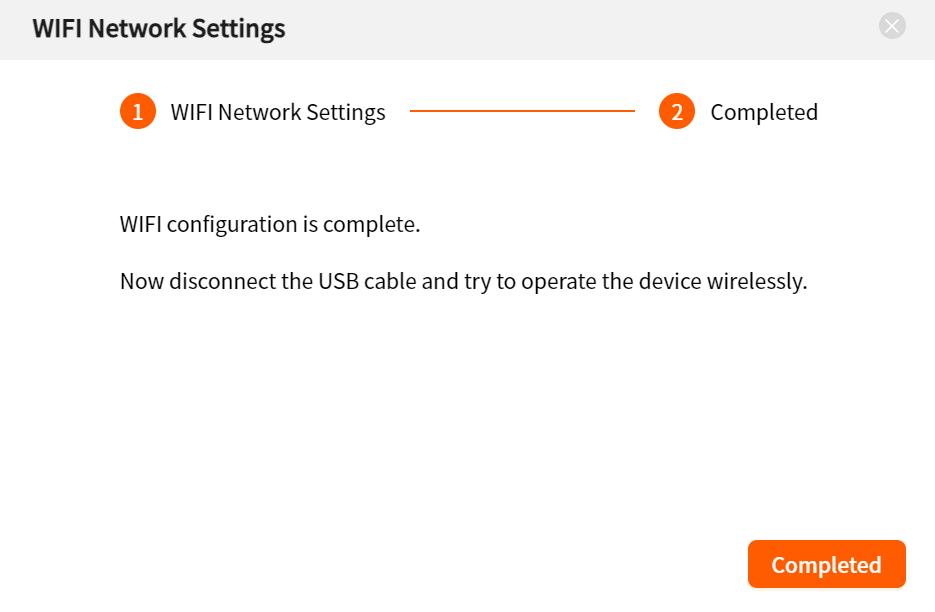
- 2.4 GHz WiFi only (5 GHz networks are not supported)
- WiFi name (SSID) and password must contain only letters and numbers
- No spaces, special characters (!@#$), or symbols allowed
- Position the WiFi antenna side toward your router for best signal
Firmware Auto-Update
Once connected to WiFi, the firmware will update automatically in the background (takes about 3 minutes).
- Wait for the update to complete — do not disconnect power
- After completion, your machine will be ready for normal operation
- The camera will now be detectable
- Verify firmware version shows 1.0.1.0 or newer in Device Settings
Verify IP Address
Confirm your device has obtained an IP address in the MDH software dashboard.
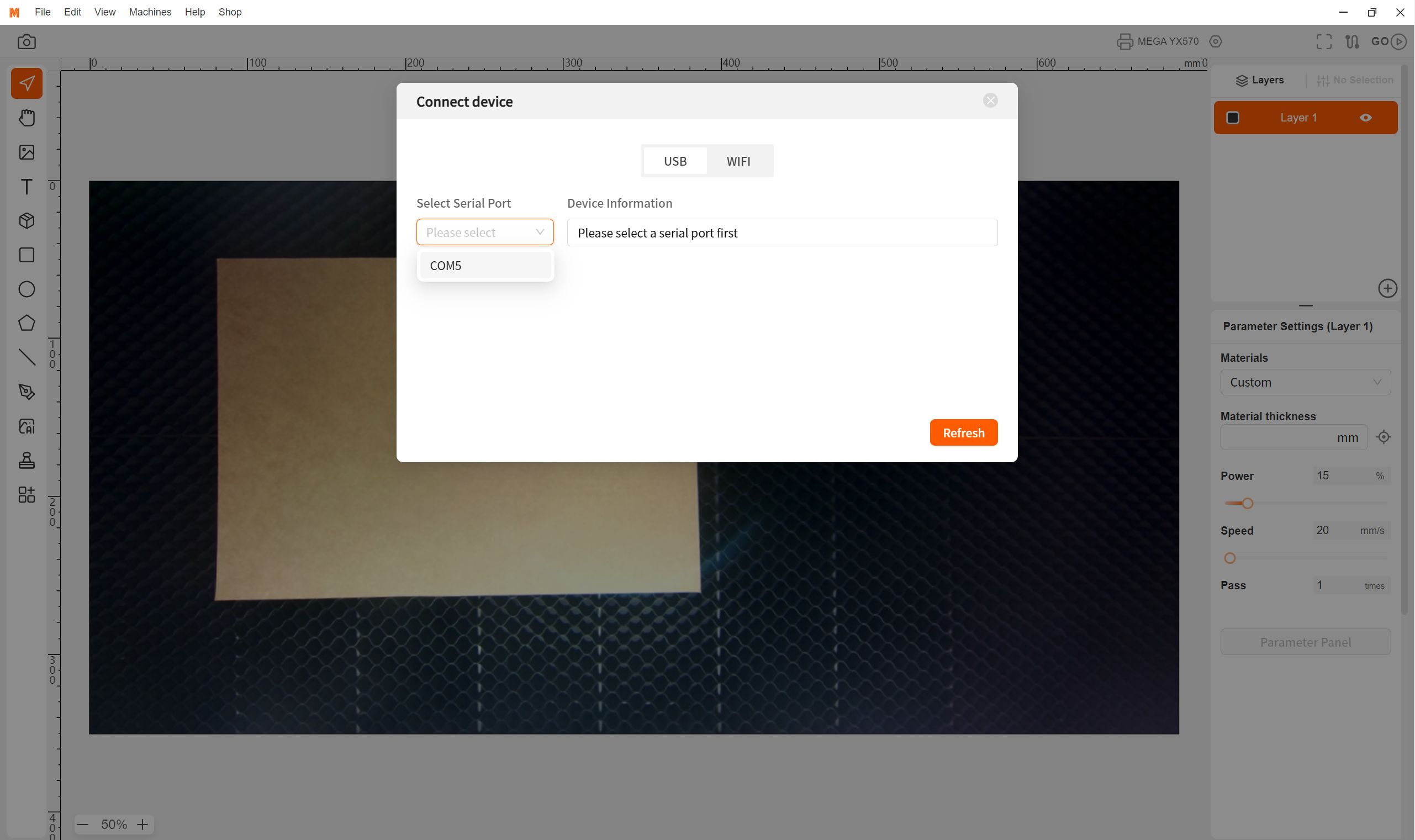
If you see an IP address assigned, your network configuration is successful. You can now disconnect the USB cable and use WiFi for future connections.
🔧 Troubleshooting
❌ Can't connect to machine for firmware update?


📷 Firmware updated, connected, but camera not found?


Still Need Help?
Our support team is ready to assist you
📧 Support Email: support@monportlaser.com
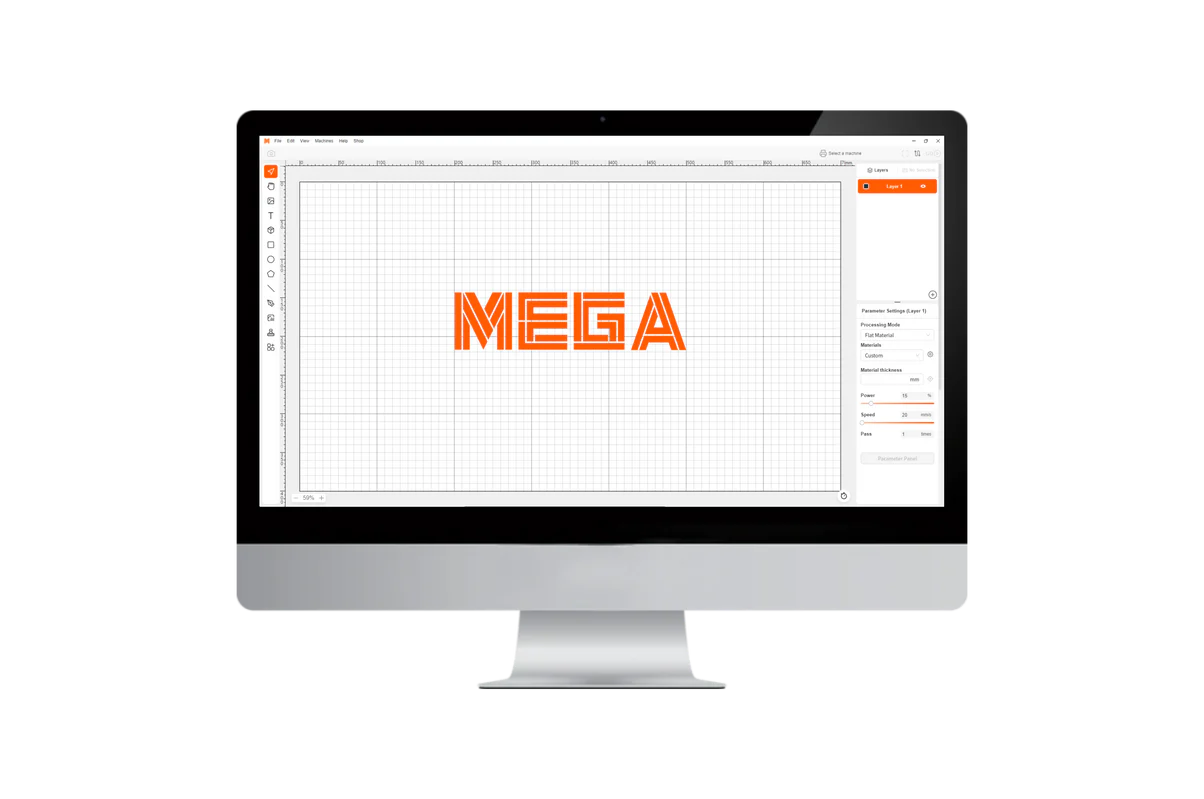
M-Design Hub is free laser cutting & engraving software for MEGAS, available on both Windows and macOS devices.
Packed with powerful built-in crea
tion tools, the software is easy to use and helps you kickstart your creative journey in no time.
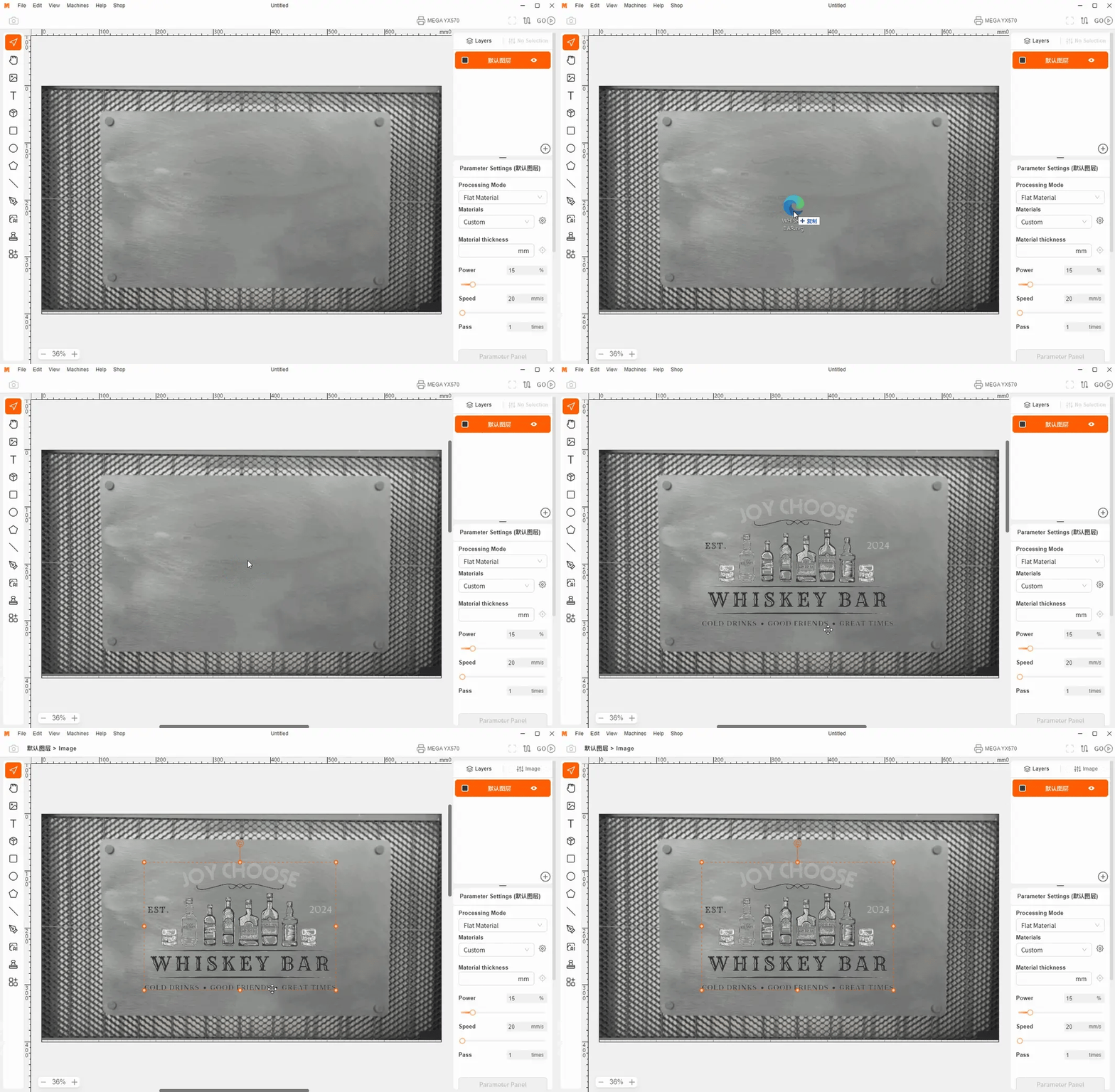
Live preview via MEGAS built-in camera for real-time accuracy—see exactly how your design will look before engraving.
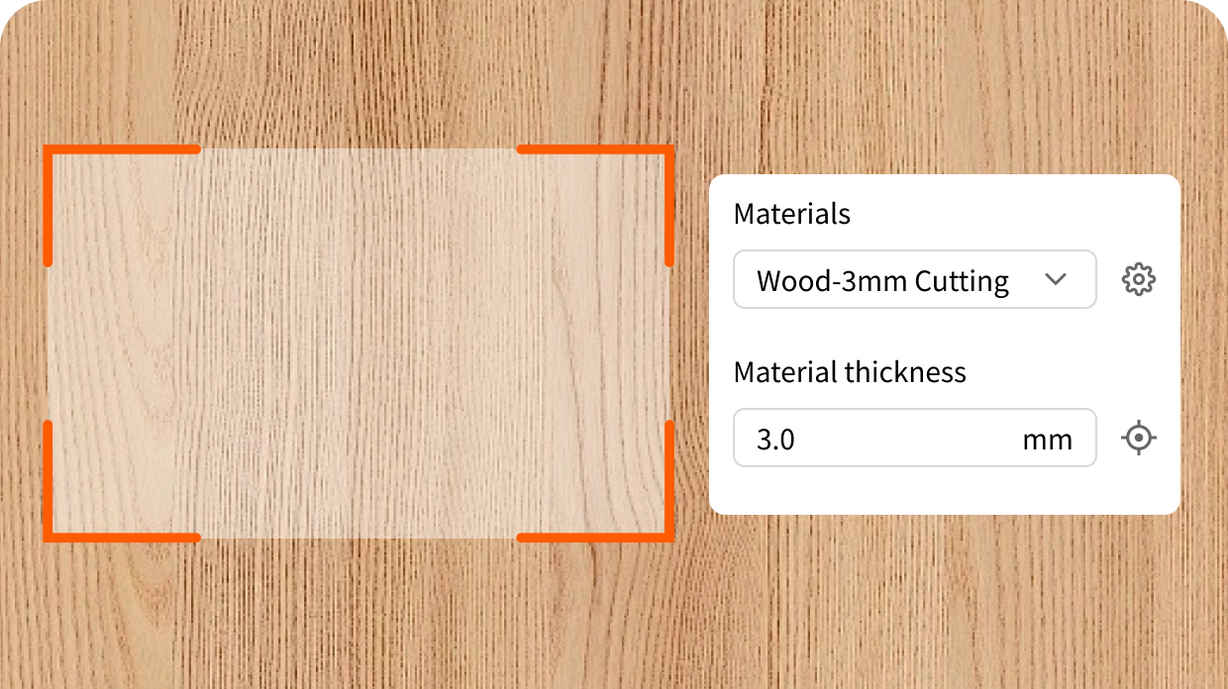
Advanced autofocus technology for perfect precision—no manual adjustments needed. Just one click to get started.
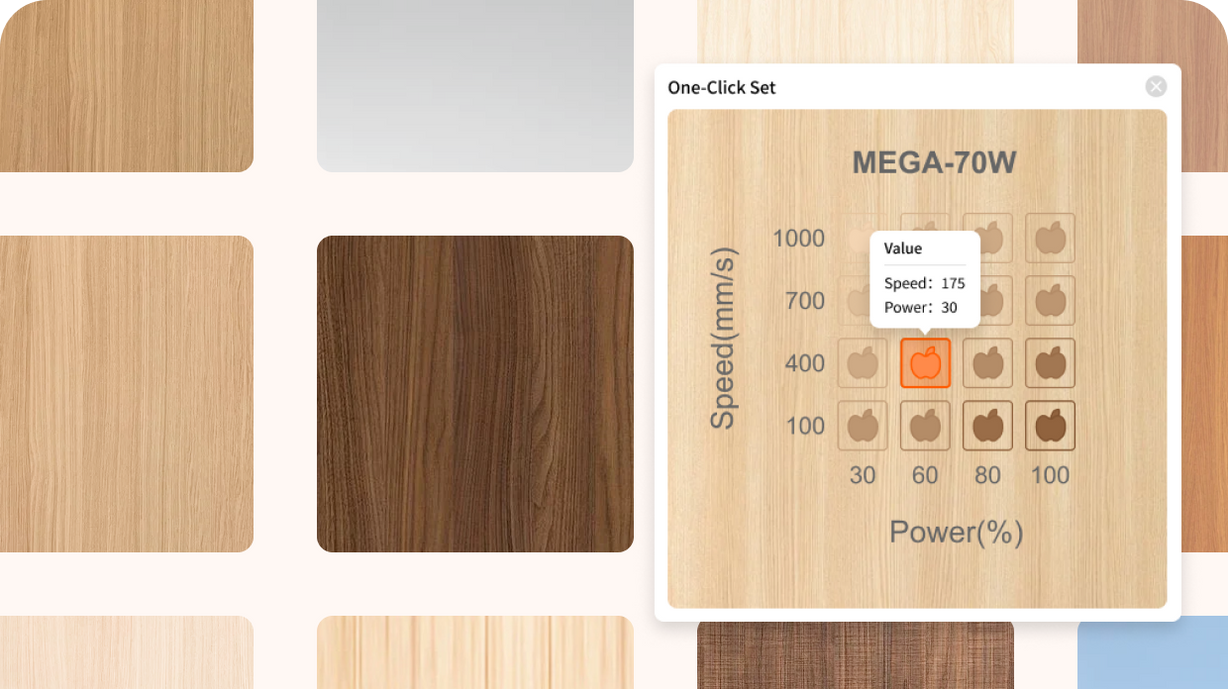
Quick access to settings for common engraving materials. Preview effects directly, with continuous updates and testing across different processing types—say goodbye to time-consuming trials.
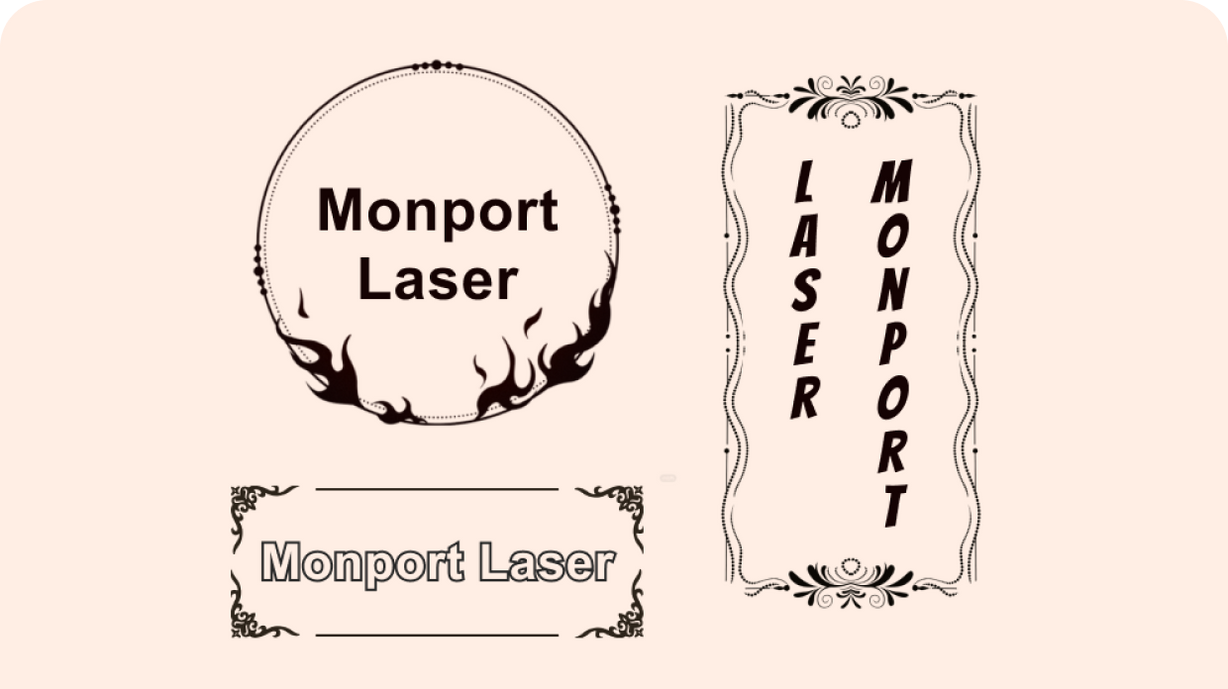
Create text on path, weld text, vertical text, and more—everything you need for perfect typography.
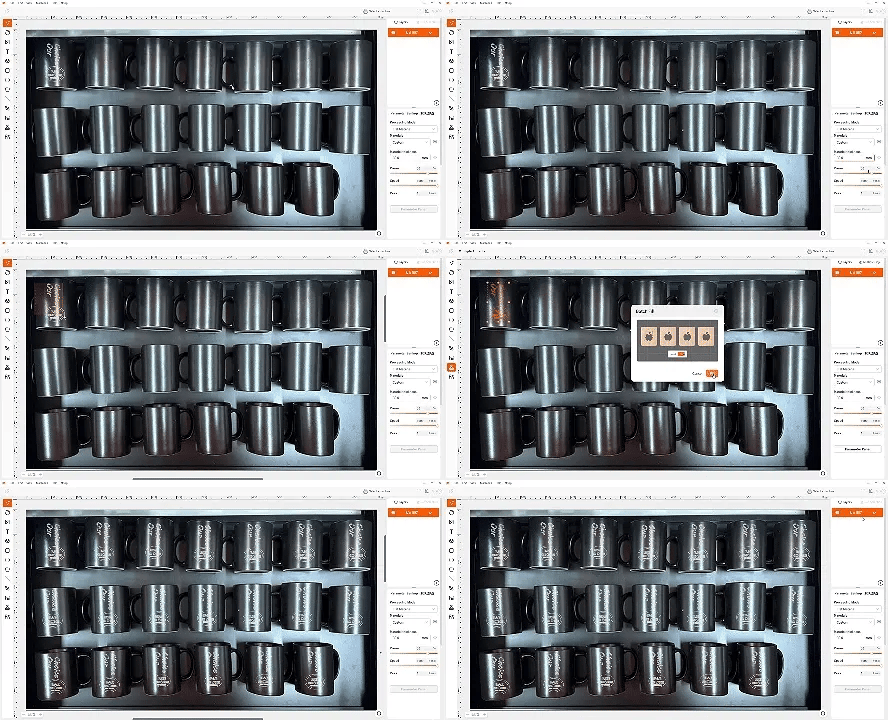
M-Design Hub uses smart camera-based shape recognition to fill patterns on multiple objects and engrave them all at once. It also supports batch engraving on curved materials.

Automatically arranges cluttered elements to maximize material usage and reduce waste.

Quickly processes image with tools like Eraser, Magic Wand, and Crop—making adjustments fast and easy.
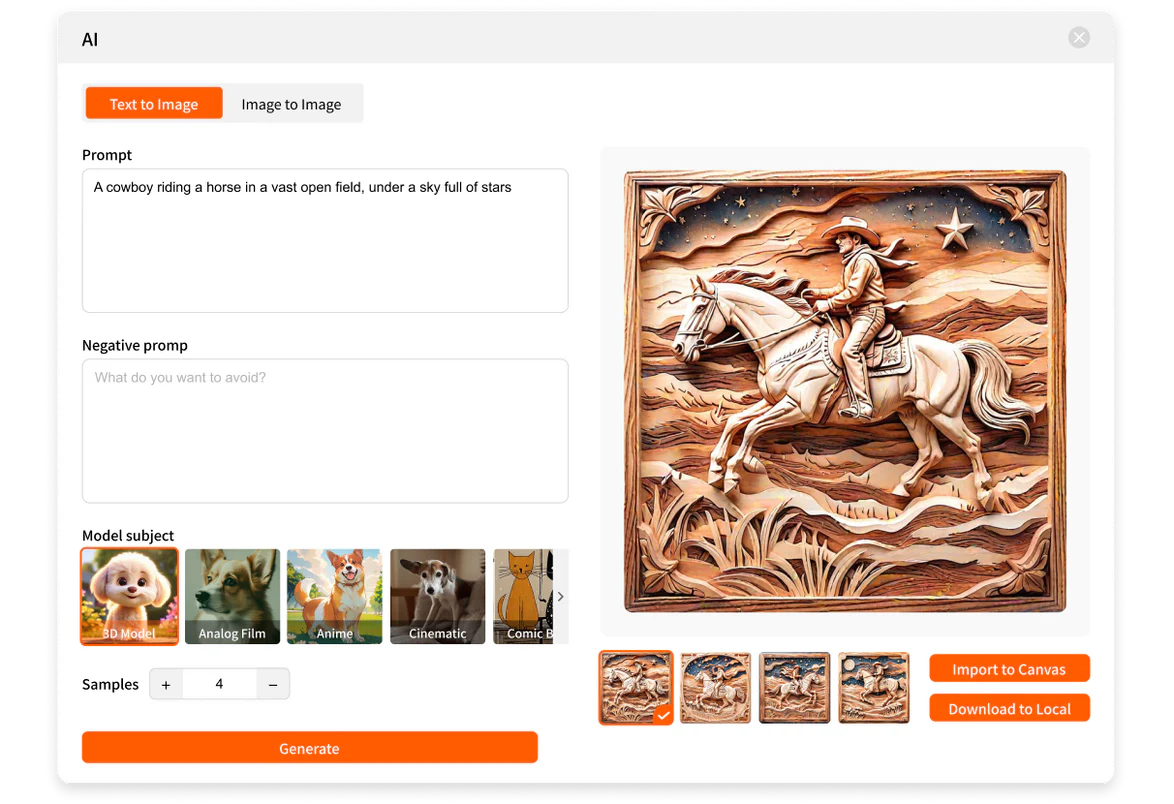
Advanced AI models and self-developed algorithms enables image generation with simple commands—perfect for both beginners and creative users.

Intelligent generation of square and ring arrays, improving editing efficiency and streamlining your workflow.