Introduction
Decorating for the holidays is a special time, and with the right tools, you can create unique, personalized decorations that bring your festive ideas to life. Using acrylic laser engraving allows you to craft intricate designs on acrylic sheets, perfect for indoor and outdoor decorations. And this season, why not take it up a notch by making your own garage door Christmas decorations? A garage door is one of the largest, most visible surfaces on your home — decorate it right and you'll have the standout house on the block, all for the cost of a few acrylic sheets. With a laser engraver like the Monport 80W CO2 Laser Engraver & Cutter (36" x 24"), your DIY holiday projects can be easy, professional, and enjoyable.
If you're decorating your windows too, don't miss these laser engraver ideas for Christmas window decorations.


Why Choose Acrylic for Christmas Decorations?
Acrylic is a versatile material that can be engraved, cut, and customized in many ways, making it an ideal choice for Christmas decorations. Here's why:
- Durability: Acrylic is weather-resistant, making it ideal for indoor and outdoor holiday decorations.
- Transparency and Vibrancy: It has a glass-like finish and can be painted or left clear to give your engravings a unique glow.
- Easy to Work With: Acrylic can be laser-cut or engraved, allowing for detailed, intricate designs.

Step 1: Setting Up the Laser Engraver
Before diving into your holiday creations, make sure you know the essentials of laser engraving acrylic:
| Task | Tips |
|---|---|
| Prepare Your Design | Use design software like LightBurn to create your artwork. |
| Select Acrylic Type | Choose laser-safe cast acrylic for a smooth engraving process. |
| Test Laser Settings | Adjust power and speed to prevent melting or warping acrylic. |
Using a reliable tool like the Monport 80W CO2 Laser Engraver & Cutter makes these steps straightforward. The machine's precision ensures that your engravings look clean and detailed, giving your Christmas decorations a professional touch.
Step 2: Engraving Acrylic for Your Holiday Designs
To create stunning holiday designs, you'll want to use the engraver's capabilities for precision and depth. Here are some popular ideas for laser-engraved acrylic holiday decorations:
- Christmas Ornaments: Create personalized ornaments with family names, snowflakes, or holiday greetings.
- Illuminated Signs: Use clear acrylic to engrave messages that glow when backlit. Perfect for adding a warm, festive look to your decor.
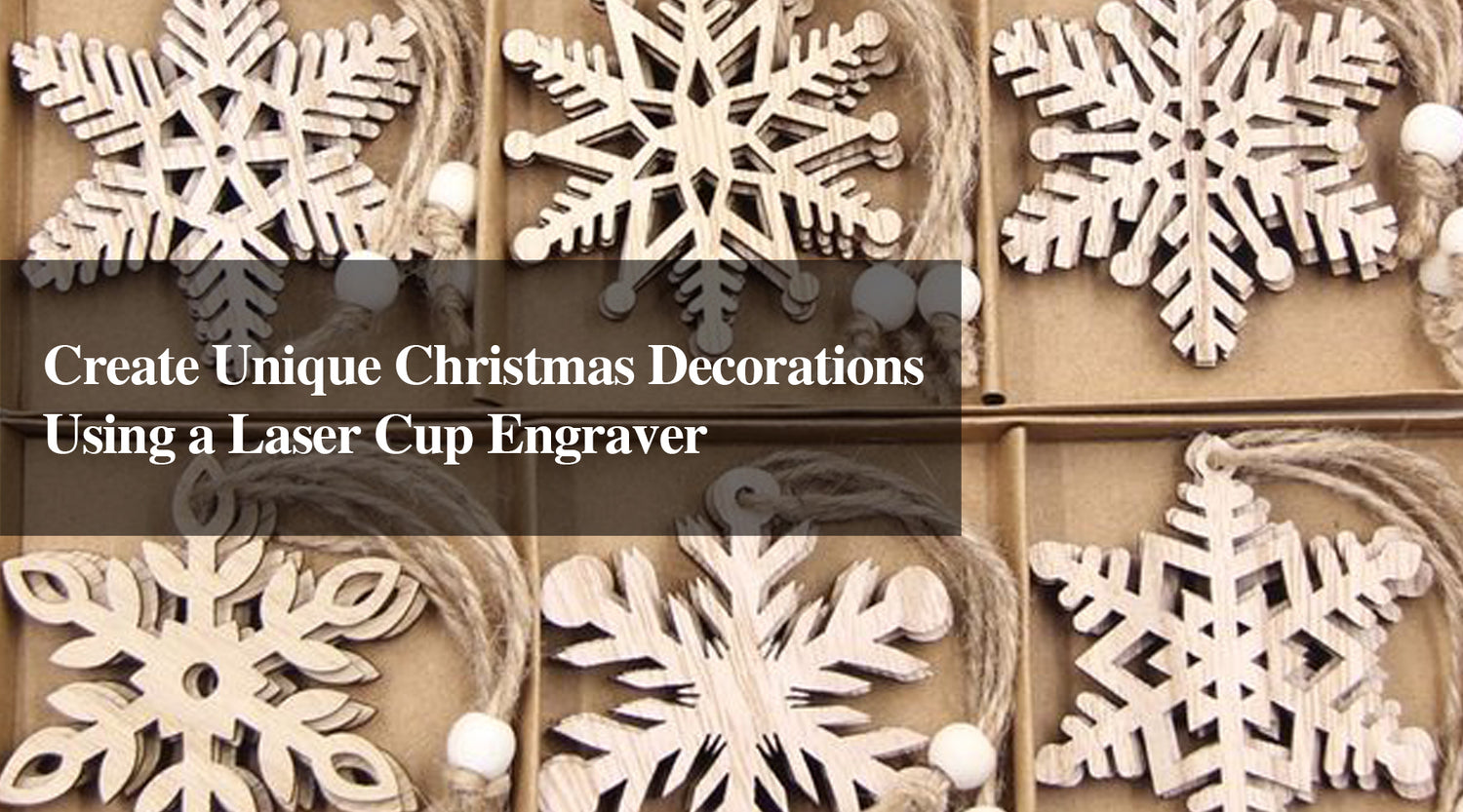
- Snowflakes and Stars: Craft delicate, intricate shapes that can hang on your tree, windows, or around your home.
Engraving Tips:
- Adjust Laser Power: Set the power between 50% and 60% for thin acrylic, which allows for clean engraving without overheating.
- Use a Masking Tape: Apply a layer of tape on the acrylic to prevent scorching.
- Test on a Scrap Piece: This ensures your design will look as expected and prevents wasted material.
Pro tip from our tests: cast acrylic engraves cleanly with crisp, white edges, while extruded acrylic tends to melt and turn cloudy under the laser. For Christmas pieces that will be seen up close, always choose cast acrylic — and run a small test grid on scrap before your final pass to dial in the perfect settings.

Step 3: Creative Garage Door Christmas Decorations
Your garage door can be a blank canvas for Christmas decor! Engraving acrylic decorations and hanging them on your garage door is a unique way to showcase your creativity. Here's how you can transform your garage door into a holiday centerpiece:
-
Acrylic Reindeer and Santa Sleigh
- Create a design for reindeer, Santa, and a sleigh. Laser-cut these shapes and hang them in a sequence to make it look like Santa is flying across your garage. Use 1/8-inch colored acrylic for the reindeer and a slightly thicker piece for the sleigh so it holds its shape against the wind.
-
Oversized Snowflakes
- Use acrylic laser engraving to make large, intricate snowflakes. Cluster them together for a winter wonderland effect. Vary the sizes from 8 to 16 inches and layer a few on top of each other for a 3D look.
-
Holiday Greetings and Messages
- Create acrylic plaques with messages like "Merry Christmas" or "Happy Holidays." Attach them to the garage door for a personalized greeting. Add your family name in a script font to make it truly one of a kind.

| Decoration Idea | Description |
|---|---|
| Acrylic Reindeer | Adds a classic holiday symbol to the garage. |
| Snowflakes | Easy to make and add a winter feel. |
| Holiday Messages | Perfect for adding a welcoming touch. |
For more door-focused inspiration, see these Christmas door decoration ideas made with a fiber laser.
Step 4: How to Hang Acrylic Decorations on Your Garage Door
Once you've finished engraving your acrylic pieces, it's time to display them on your garage door. Here are some methods:
- Adhesive Hooks: These allow easy installation and removal without leaving marks.
- Magnetic Strips: Perfect for metal garage doors; they provide a sturdy hold.
- String and Wire: Great for lightweight acrylic; tie them up to create a hanging design.
Materials You'll Need
| Material | Recommended Thickness | Best For |
|---|---|---|
| Cast acrylic (clear) | 1/8 inch (3mm) | Illuminated signs, ornaments |
| Cast acrylic (colored) | 1/8–1/4 inch | Snowflakes, reindeer, messages |
| Masking tape | — | Preventing scorch marks |
| Adhesive hooks / magnetic strips | — | Hanging on the garage door |
Tips for Using the Monport 80W CO2 Laser Engraver & Cutter for Christmas Projects
This Monport 80W CO2 Laser Engraver & Cutter is a fantastic tool for DIY decorators:
- Powerful and Precise: 80W power lets you cut through thicker acrylic sheets and achieve high-quality engravings.
- FDA Approved: Ensures safe operation, especially for home DIYers.
- Spacious Working Area: With a 36" x 24" workspace, you can engrave large decorations or several small items at once.

Common Mistakes to Avoid
- Using extruded acrylic instead of cast — it melts and leaves cloudy, rough edges.
- Setting laser power too high — this causes scorching and burn marks on your design.
- Skipping the test grid — you risk wasting material and time on a design that doesn't come out right.
- Forgetting to focus the laser — produces blurry, low-quality engravings.
- Working without ventilation — laser engraving produces fumes, so keep your workspace well ventilated.
FAQs
1. Can I use any acrylic for laser engraving?
A. Not all acrylics are laser-safe. It's best to use cast acrylic, as it engraves cleanly and resists melting compared to extruded acrylic.
2. How thick should my acrylic be for outdoor decorations?
A. For durability, choose acrylic sheets that are at least 1/8-inch thick. They can withstand outdoor elements better.
3. Do I need special design software for engraving?
A. Software like LightBurn is recommended, as it's compatible with many CO2 laser engravers and has advanced design features.
4. How long does it take to engrave a large snowflake?
A. A 12-inch snowflake typically engraves in under 10 minutes on the Monport 80W, depending on the level of detail and your power settings.
5. Is acrylic safe to use outdoors all winter?
A. Yes — cast acrylic is weather-resistant and holds up through cold and moisture, which is why it's a top choice for outdoor Christmas decorations.

Important Details to Remember
- Choose Laser-Safe Acrylic: Ensure the material is laser-safe for a clean engraving experience.
- Mind the Settings: Power and speed settings can greatly impact the engraving's appearance.
- Use Proper Ventilation: Laser engraving produces fumes, so ensure proper ventilation in your workspace.

Takeaways
Using acrylic laser engraving to create holiday decorations lets you personalize every piece, making the season even more special. By turning your garage door into a holiday display, you're creating a memorable, festive experience that the whole neighborhood can enjoy. Plus, with a reliable machine like the Monport 80W CO2 Laser Engraver & Cutter, you can achieve professional-quality decorations right at home.

Conclusion
Holiday decorating doesn't have to be limited to store-bought options. With acrylic laser engraving, you can bring your own ideas to life, creating custom ornaments, illuminated signs, and creative garage door Christmas decorations that reflect your unique style. Embrace the holiday spirit with DIY projects using the Monport 80W CO2 Laser Engraver & Cutter for results that shine all season long.
Ready to start your holiday projects? Check out the Monport 80W CO2 Laser Engraver & Cutter — and use code BESTMP10 for 8% off your order.