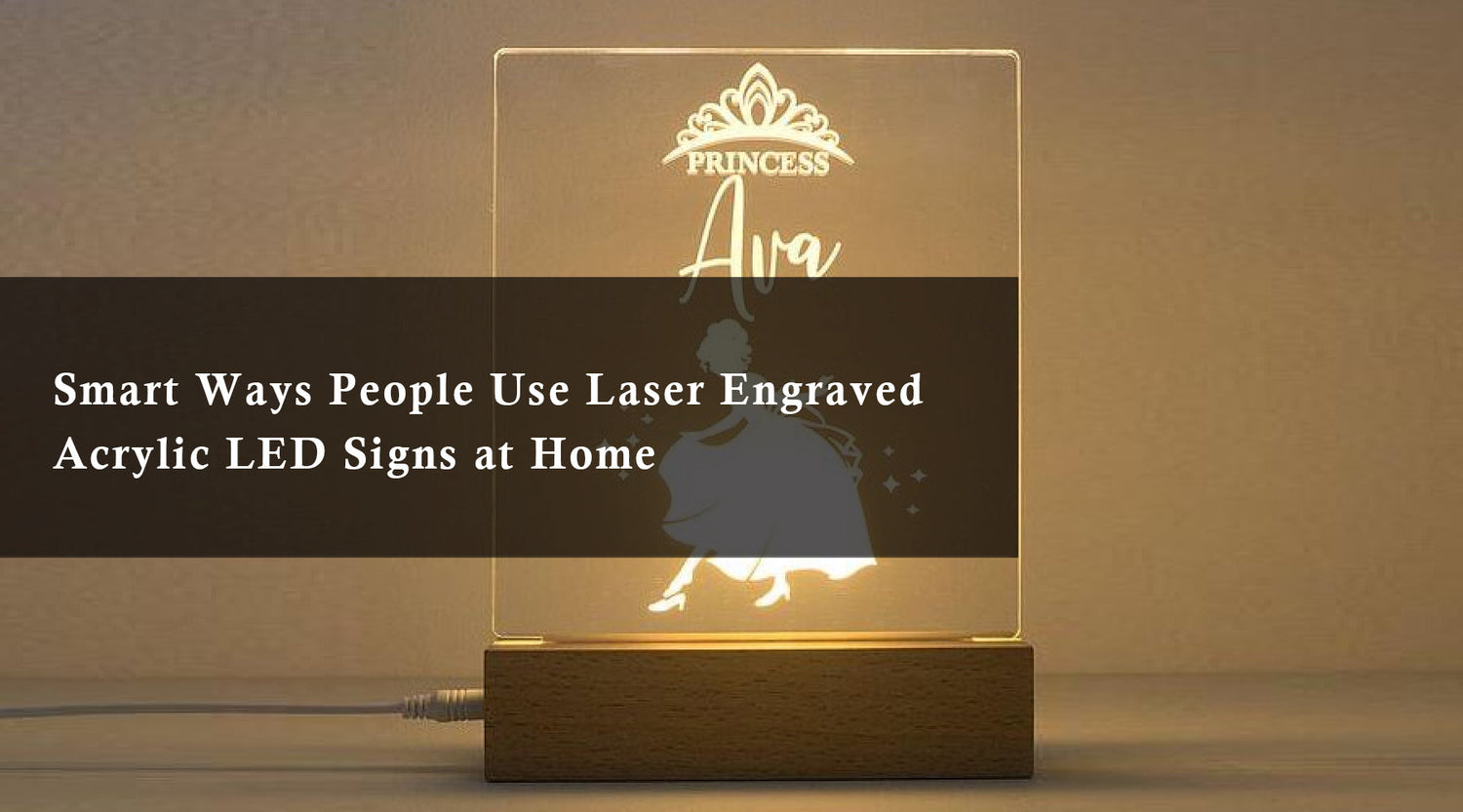
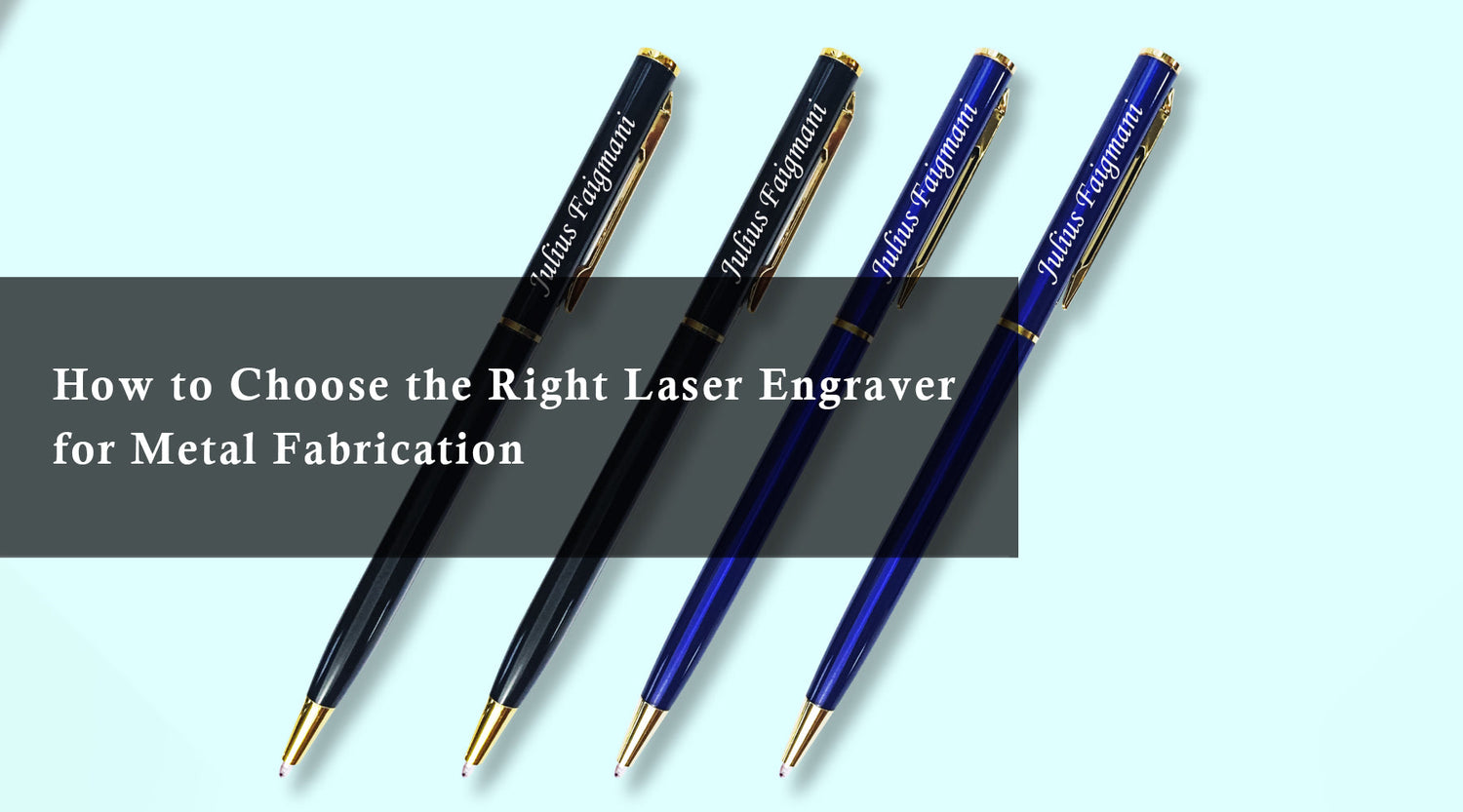
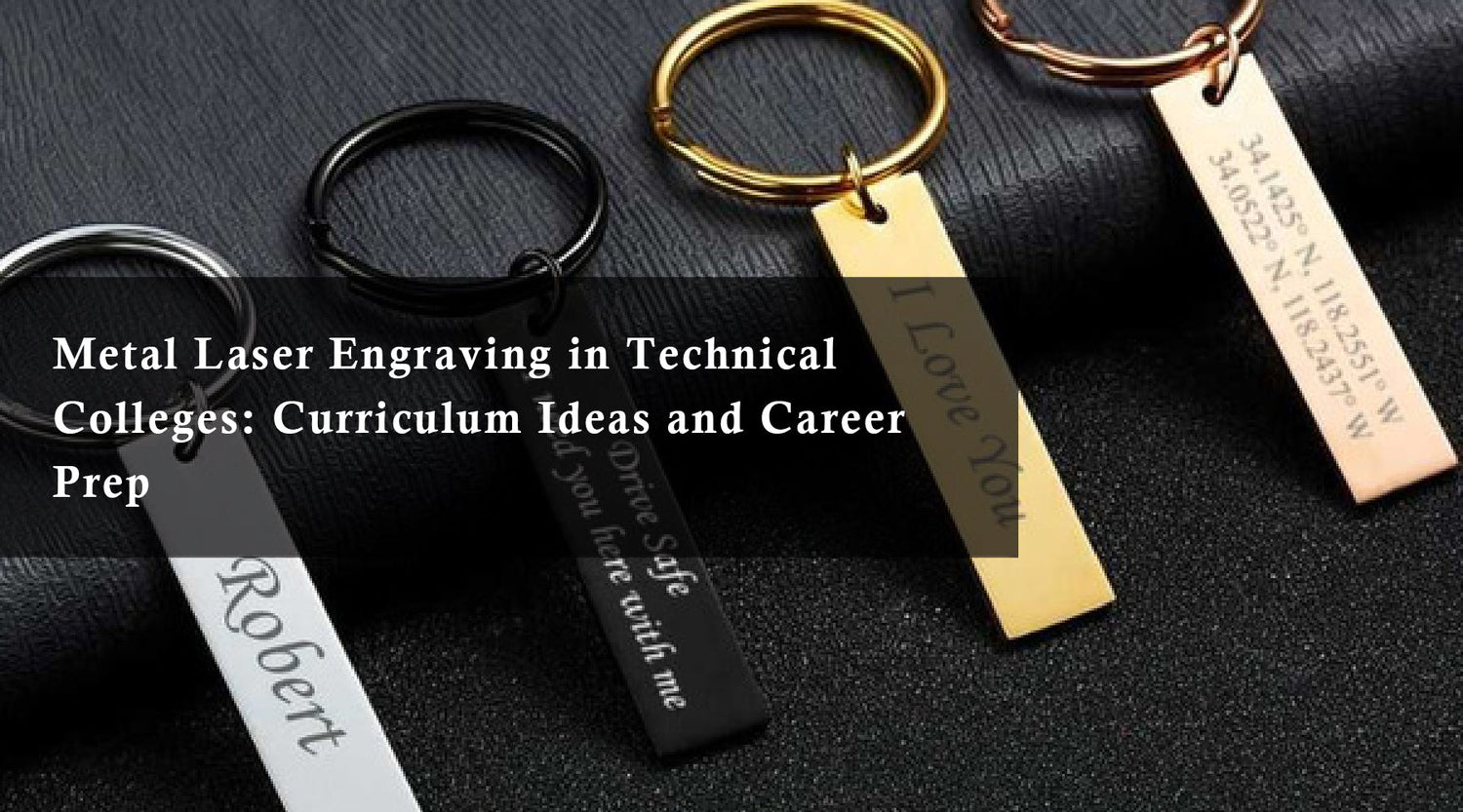
Makerspaces bring people together to explore creative ideas, learn new skills, and develop personalized products. Among the tools available, laser engraving offers a practical way to create detailed designs on compatible materials, from wooden signs to customized glassware. If you're exploring glass engraving images or looking for inspiration for engraved tankard designs, laser technology can help transform ordinary items into personalized gifts, commemorative pieces, and creative projects.
With a suitable machine, such as the Monport 80W CO2 Laser Engraver & Cutter, makers can explore a variety of engraving applications. Understanding material compatibility, design preparation, and safe operating practices is essential for achieving consistent results in a shared makerspace.

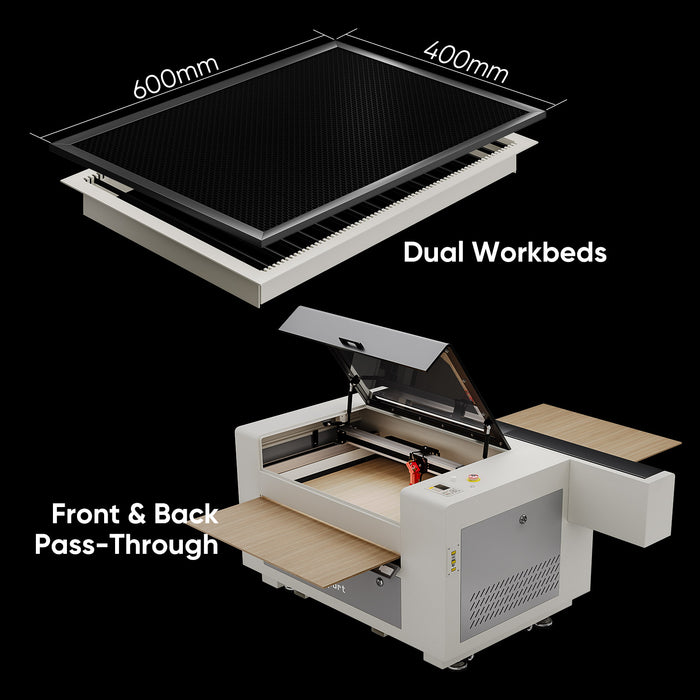
Monport 80W CO2 Laser Engraver & Cutter (24" x 16") with Autofocus

Understanding Laser Engraving in Makerspaces
Laser engraving uses a focused beam of energy to mark or alter a material's surface according to a digital design. In makerspaces, laser engravers allow hobbyists, artists, students, and small-business owners to create customized items with repeatable designs.
Common projects include personalized wooden signs, decorative acrylic pieces, engraved glassware, and custom gifts. However, the appropriate laser type depends on the material and the intended result. Not every laser engraver can process every material safely or effectively.
Benefits of Laser Engraving in Makerspaces
-
Versatility: Suitable laser systems can support a range of projects using compatible materials.
-
Precision: Digital artwork allows makers to reproduce lettering, patterns, logos, and other detailed designs.
-
Repeatability: Saved designs make it easier to create matching products or reproduce successful projects.
-
Customization: Names, dates, illustrations, and personalized messages can make everyday objects more meaningful.
-
Creative collaboration: Makerspace members can share design ideas, learn equipment operation, and develop new project techniques.
These benefits make laser engraving useful for both individual experiments and collaborative creative projects.
Glass Engraving Images: Creative Ideas and Techniques

Creating glass engraving images is a popular way to personalize drinkware, decorative panels, awards, and gifts. Engraved designs can include floral patterns, geometric artwork, business logos, family names, and commemorative messages.
Glass engraving generally produces a frosted or matte appearance rather than a colored print. The result depends on the glass composition, surface shape, laser system, and processing method.
Choosing Glass for Engraving
Before starting a glass engraving project, consider the shape, thickness, and surface of the item. Flat glass panels may be easier to position than curved glassware, which can require a compatible rotary attachment or specialized fixture.
A CO2 laser can be used for certain glass-engraving applications, but settings and techniques must be appropriate for the specific glass and machine. Test on a similar spare item before engraving a finished product, and follow the manufacturer's safety guidance to reduce the risk of cracking or breakage.
Preparing Glass Engraving Images
Good design preparation helps produce cleaner, more recognizable results.
-
Choose suitable artwork: Select a clear photograph, logo, illustration, or decorative pattern.
-
Adjust the image: For photographs, experiment with grayscale conversion, brightness, and contrast.
-
Consider the surface: Simplify small details and fine lettering when working on small or curved glass items.
-
Position the design: Confirm the placement and orientation before beginning the job.
-
Test the result: Use a suitable test piece to evaluate the engraving technique and image quality.
Always use a laser system and processing method approved for the glass application. Follow the machine's operating instructions and required protective measures.
Engraved Tankard Images: Ideas for Personalized Glassware

Engraved tankard designs offer an opportunity to turn ordinary glassware into personalized keepsakes. Whether you're creating a commemorative gift or developing products for a small business, thoughtful artwork can make each tankard distinctive.
Consider these engraved tankard images and design ideas:
-
Personalized names: Add a recipient's name or initials for a customized gift.
-
Commemorative messages: Include a date, short message, or meaningful phrase.
-
Decorative patterns: Use geometric borders, botanical motifs, or traditional ornamental designs.
-
Custom logos: Create branded glassware for suitable business events or organizations.
-
Illustrations and crests: Adapt simple artwork into a design that suits the available engraving area.
For the best visual balance, consider the tankard's curved surface, handle position, and usable engraving area. Keep important text away from edges and avoid overly complicated artwork on small surfaces.
Before engraving, confirm that the tankard material is compatible with the machine and technique. If the glassware is intended for drinking, ensure the finished item remains suitable for its intended use and follow any applicable care instructions.
Using the Monport 80W CO2 Laser Engraver in Makerspaces
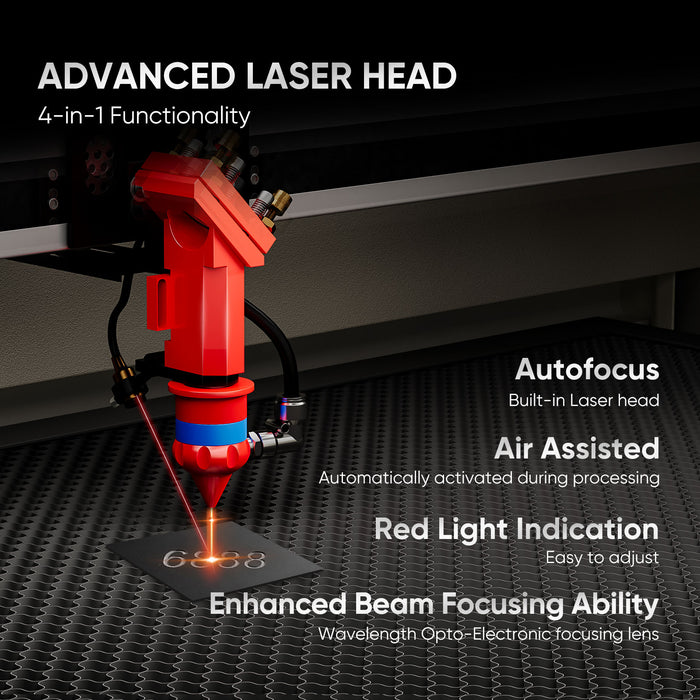
The Monport 80W CO2 Laser Engraver & Cutter can be considered for makerspaces that need a CO2 laser system for compatible engraving and cutting projects. Its suitability for a particular glass engraving task depends on the machine configuration, work area, material, and approved processing method.
When planning glass engraving images or engraved tankard projects, review the manufacturer's specifications and instructions before choosing equipment.
Preparing a Glass Engraving Project
1. Create your digital design. Prepare the artwork in compatible software. Check the image dimensions and simplify details when necessary.
2. Secure the glassware. Position the item using a suitable fixture or compatible rotary attachment when required. Make sure it cannot move during processing.
3. Check machine compatibility. Confirm that the laser, accessories, and selected glass-engraving method are appropriate for the item.
4. Run a test. Evaluate the result on a comparable test piece before processing the final glassware.
5. Follow safety procedures. Use the required enclosure, ventilation, and protective measures. Never leave an operating laser unattended.
For shared makerspaces, clear operating procedures, equipment training, and material checks are particularly important because multiple people may use the same machine.
Tips for Better Glass Engraving Results
To improve the appearance of your glass engraving images and engraved tankard designs, follow these practical tips:
-
Keep artwork clear: High-contrast images and readable lettering are often easier to reproduce.
-
Check positioning: Confirm that designs are centered and aligned with the intended viewing angle.
-
Test unfamiliar materials: Different glass types can produce different results.
-
Avoid unsupported settings: Use manufacturer guidance and test results rather than assuming one setting works for every item.
-
Inspect the finished surface: Check for unwanted damage, uneven marking, or sharp edges before handling or gifting the product.
-
Document successful projects: Record the material, artwork, accessories, and verified settings to help reproduce results consistently.
These practices help makers improve repeatability and reduce material waste.
Frequently Asked Questions
1. What are glass engraving images?
Glass engraving images are photographs, illustrations, logos, or patterns reproduced on a glass surface using a suitable engraving process. Common applications include personalized drinkware, awards, decorative panels, and gifts.
2. Can a CO2 laser engrave glass tankards?
Certain CO2 laser systems can engrave compatible glassware using an appropriate technique. Curved tankards may require suitable positioning equipment or a compatible rotary attachment. Always check the manufacturer's instructions.
3. What designs work best for engraved tankards?
Names, initials, simple illustrations, decorative patterns, and short commemorative messages are popular options. The best design depends on the available surface area and the detail the engraving method can reproduce.
4. Is laser engraving suitable for beginners in makerspaces?
Yes, beginners can learn laser engraving through equipment training, supervised practice, and simple test projects. They should understand the machine's safety requirements and material limitations before operating it.
5. Can one laser engraver process glass, wood, and acrylic?
Some laser systems support several compatible materials, but capabilities differ by laser type and configuration. Always verify the machine's specifications and confirm that a material can be processed safely before beginning a project.
Conclusion
Laser engraving gives makerspaces an effective way to explore customization, design, and creative collaboration. From preparing detailed glass engraving images to developing personalized engraved tankard designs, makers can turn suitable glassware into distinctive gifts, commemorative pieces, and decorative products.
The Monport 80W CO2 Laser Engraver & Cutter is one option to investigate for compatible engraving projects. By selecting suitable materials, preparing artwork carefully, testing techniques, and following safe operating procedures, makerspace users can develop their skills and create more consistent personalized designs.
Whether you're learning a new technique or developing a collection of custom glassware, start with a simple design, verify your equipment's capabilities, and build on each successful project.