


Laser marking plastic and paper can create clean labels, detailed designs, product information, and custom packaging. However, these materials react differently to laser energy. Some plastics produce sharp, permanent marks, while others melt, discolor, or release hazardous fumes. Paper is easier to process, but it can scorch or catch fire if the settings are not suitable.
Before starting a project, it is important to understand material compatibility, choose the right processing method, and test a small sample. Whether you are exploring laser marking plastic or laser marking paper, knowing these basics can help you get more consistent results and avoid unnecessary material waste.
Which plastics can be laser marked?

Not every plastic responds well to a laser. The result depends on its chemical composition, color, additives, surface finish, and the type of laser being used.
Common plastic materials
-
Acrylic (PMMA): Commonly processed with CO₂ lasers. It can produce clean engraving and detailed designs, making it useful for signs, displays, and decorative parts.
-
ABS: Used in product housings and electronic components. Its response varies by formulation, so testing is important.
-
Polypropylene (PP) and polyethylene (PE): These plastics can be difficult to mark with some laser systems. The right wavelength and material formulation matter.
-
Polycarbonate (PC): Can discolor, melt, or produce undesirable fumes under certain laser conditions. Confirm compatibility with the machine manufacturer before processing.
-
Laser-markable plastic laminates: These are manufactured specifically for laser engraving and often provide clearer contrast than ordinary plastic sheets.
A laser marking machine for plastic should always be matched to the exact material. A plastic being suitable for one laser type does not automatically mean it is suitable for another. KEYENCE explains that pigments, fillers, and recycled content can also change marking results.
Which plastics should you avoid?
Never laser process PVC, vinyl, or materials containing chlorine. They can release corrosive and hazardous fumes that may harm people and damage equipment.
Do not assume an unidentified plastic is safe. Check its material label, technical documentation, and safety data sheet before using it.
What is the difference between laser marking, engraving, and cutting?

These terms describe different ways a laser interacts with a material.
-
Laser marking changes the material's surface appearance, often creating a visible color or contrast change.
-
Laser engraving removes some material to create a recessed design.
-
Laser cutting passes through the material to separate a shape or component.
For example, a business might use laser marking plastic to add a serial number to a product housing, while engraving creates a deeper logo on a compatible plastic panel.
The best method depends on the required appearance, material thickness, and intended use.
Can you use a laser to mark paper?
Yes. Paper, cardstock, and cardboard can be processed with suitable CO₂ laser equipment. However, thin paper is delicate, so the goal is usually to create a controlled surface effect without burning through the material.
Laser marking paper can be useful for invitations, packaging, labels, stationery, and personalized gifts.
Paper projects worth trying
-
Custom invitations: Add names, decorative borders, and detailed patterns.
-
Branded packaging: Create logos and product details on compatible paperboard.
-
Gift tags: Personalize tags with short messages or decorative designs.
-
Paper artwork: Produce intricate cutouts, layered designs, and decorative patterns.
-
Business stationery: Add custom details to cards, covers, and presentation materials.
When working with laser marking paper, remember that paper weight, coating, color, and moisture can affect the final appearance. A design that looks clean on thick cardstock may burn through thinner paper.
How do you get clean results on plastic and paper?

The most reliable approach is to test before processing a full batch.
Start with a material sample
Use a small offcut from the same material you plan to process. This helps you check contrast, discoloration, edge quality, and possible melting before committing to a larger project.
Adjust speed and power carefully
Laser settings should match the material and the intended result. Too much energy can scorch paper or deform plastic, while insufficient energy may produce a faint mark.
For laser marking plastic, test different settings on a sample rather than copying settings from a different plastic. For laser marking paper, begin with a cautious test and inspect the material closely.
Keep the workspace safe
Paper is highly flammable, so never leave a laser running unattended. Keep the machine clean, use suitable exhaust ventilation, and remove leftover scraps after each job. Follow the manufacturer's operating instructions and keep appropriate fire-safety equipment nearby.
Choosing a laser marking machine for plastic and paper
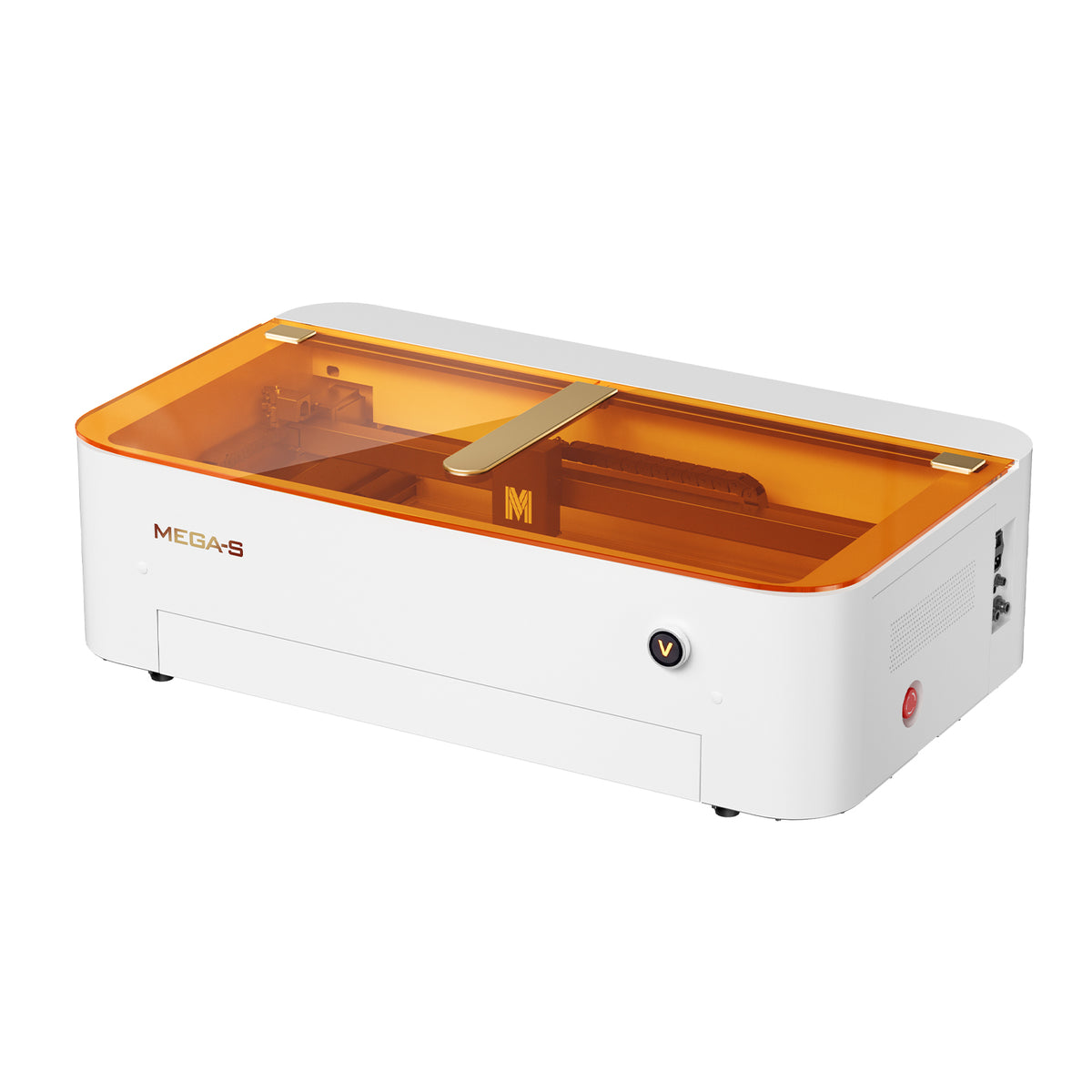

A suitable laser marking machine for plastic should offer dependable focusing, compatible laser technology, appropriate ventilation, and enough working space for the projects you plan to make.
For paper projects, precise positioning and consistent movement are also important, especially when working with detailed patterns or repeated designs.
Where the Monport MEGA CO₂ laser fits
The Monport MEGA is a 70W CO₂ laser engraving and cutting machine designed for detailed projects and larger production workflows. Its 700 × 350 mm working area gives users room for larger layouts or multiple smaller items in one job.
Several features can help with everyday production:
-
LiDAR-based autofocus: Supports automatic focusing, with engraving speeds up to 600 mm/s.
-
LightBurn connection: Supports external connection to LightBurn through a dedicated cable.
-
Panoramic camera: The built-in camera has an 8 MP specification and helps recognize objects for batch layout work. This is separate from the machine's engraving resolution of up to 1000 DPI.
-
Nine-fan exhaust system: Designed to remove smoke and dust from the working area.
-
AutoPassthrough: Supports continuous material processing for suitable projects.
-
Cutting capacity: The provided specifications state cutting up to 20 mm acrylic and 18 mm basswood.
These features can be useful when producing paper designs, compatible plastic projects, signage, and customized products. However, the machine's capabilities do not make every plastic safe to process. Always confirm the material is approved for the specific laser and follow the manufacturer's safety guidance.
Explore Monport Laser to find equipment and accessories suited to your material and project requirements.

Key Takeaways
-
Laser marking plastic depends on the polymer, additives, color, and laser type.
-
Never process PVC, vinyl, or unidentified plastics.
-
Laser marking paper works well for invitations, packaging, stationery, and decorative designs.
-
Test samples before starting a full production run.
-
Use appropriate ventilation and never leave paper processing unattended.
-
Choose a laser marking machine for plastic based on verified material compatibility, not power alone.
Conclusion
Successful laser marking plastic and paper projects begin with choosing compatible materials and understanding how they respond to laser energy. The right laser marking machine for plastic can help produce clear details on approved materials, while careful laser marking paper techniques can create attractive stationery, packaging, and custom designs.
Before investing in equipment or starting a production run, check material documentation, test samples, and follow safety instructions. With the right preparation, laser marking plastic and laser marking paper can both become useful options for creative work and small-business production.
Explore Monport Laser to find a machine that matches your project goals and material requirements.
Frequently Asked Questions
Can all plastics be laser marked?
No. Compatibility depends on the plastic's composition and the laser type. PVC and vinyl should never be processed with a standard laser engraver because of hazardous fumes.
What plastics work best with a CO₂ laser?
Acrylic is a commonly used material for CO₂ laser engraving and cutting. Other plastics require individual compatibility checks and sample testing.
Can a laser engrave or cut paper?
Yes. Suitable CO₂ laser machines can engrave and cut paper and cardstock. Thin paper requires careful settings because it can scorch or ignite.
What is the difference between laser marking and laser engraving?
Laser marking changes the surface appearance to create visible contrast, while engraving removes material to form a recessed design.
How do I prevent paper from burning during laser processing?
Use settings appropriate for the paper, test a sample, keep the machine clean, and monitor the job continuously. Never leave the laser unattended.


